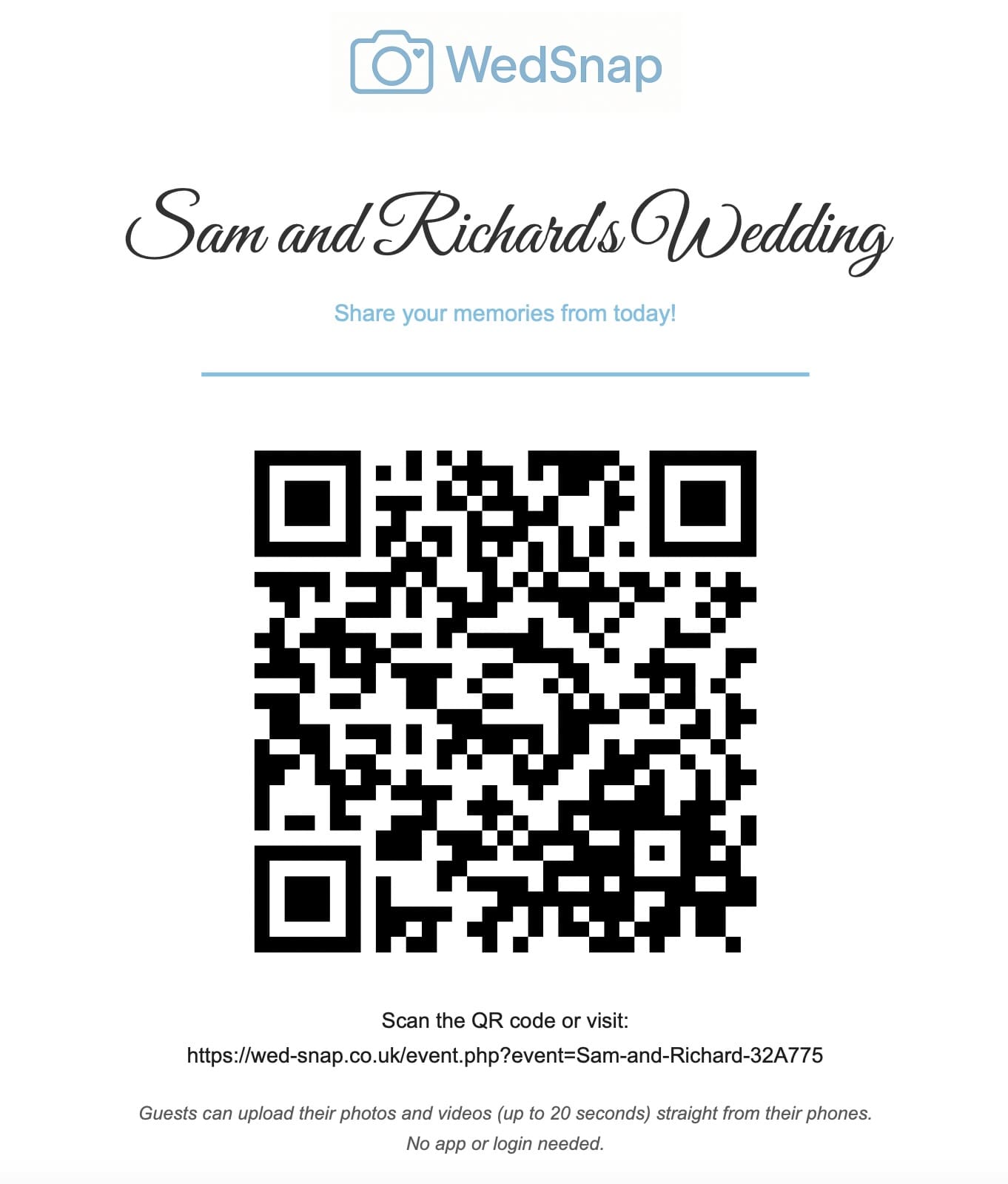
More wedding guests will upload their photographs when the process is visible, quick and clearly worthwhile. A QR code alone is not enough if people do not understand what it opens or why the couple wants their files.
The strongest approach combines simple technology with several friendly reminders before, during and after the celebration.
Explain why guest photographs matter
Guests are more likely to contribute when the request has an emotional purpose.
Use wording such as:
We will not be able to see every conversation and reaction during the day. Please share the moments happening around you so we can experience more of our wedding afterwards.
Use one upload destination
Do not send different groups to separate folders, messaging conversations or social platforms. Give everybody the same event QR code and direct link.
One destination prevents confusion and makes post-wedding reminders much easier.
Read the best way to collect wedding photographs from guests.
State that no app is required
Some guests will ignore an unfamiliar QR code because they expect another app installation or registration process.
Place this reassurance beside the code:
No app. No guest account. Upload directly from your browser.
Display the code more than once
A single welcome sign is easy to miss. Repeat the same code at several natural points:
- the wedding website;
- the venue entrance;
- reception tables;
- the guest-book station;
- the photo booth;
- the bar;
- the evening entrance;
- the morning-after message.
See where to place the wedding photo QR code.
Make table cards easy to understand
Guests have time to read table cards during the meal. Use a short heading, one sentence, a large QR code and the direct address.
Avoid filling the card with technical explanations. See wedding photo table-card wording examples.
Ask for favourites rather than everything
People may delay uploading if they believe they need to sort hundreds of photographs. Invite them to share a manageable selection of favourites.
For example:
Please add your favourite photographs and short video clips from today.
Mention videos specifically
Guests may assume the gallery accepts still photographs only. Mention short videos on signs and reminders when the uploader supports them.
Read how to collect wedding videos from guests.
Show immediate upload feedback
After the upload button is pressed, the interface should clearly show that work is happening.
Useful feedback includes:
- a disabled button;
- a progress indicator;
- the current upload batch;
- a clear success message;
- a safe retry option.
Without visible feedback, guests may press the button repeatedly or close the page too early.
Let guests upload later
Poor venue signal, low battery or limited mobile data can reduce wedding-day uploads. Tell guests that they can save the link and use home Wi-Fi later.
This also allows them to enjoy the event instead of sorting files during the celebration.
Send one morning-after message
The following morning is often the best time to remind guests. They still remember the event and may be reviewing their camera rolls.
Include:
- a thank-you;
- the direct upload link;
- confirmation that photographs and videos are welcome;
- the deadline;
- confirmation that no app is needed.
See morning-after message examples.
Give guests a reasonable deadline
A clear closing date encourages action. Allow enough time for travelling guests, people using older devices and anyone uploading large videos.
One final deadline reminder may be useful, but avoid repeatedly chasing individuals.
Ask the wedding party to help
The wedding party can gently mention the gallery and assist less confident guests. They should not spend the event collecting phones or pressuring people.
See how to help older guests share photographs.
Check that the QR code actually works
Low participation may be caused by a technical problem rather than lack of interest.
Test the final printed signs on Apple and Android phones and complete a real upload before the wedding.
Follow the wedding QR code testing checklist.
Frequently asked questions
Why are wedding guests not uploading photographs?
They may not understand the QR code, may expect an app, may have poor signal or may simply plan to upload later and forget.
When is the best time to remind guests?
Display the gallery during the reception and send the direct upload link once more the following morning.
Should couples ask guests to upload every photograph?
No. Asking for a selection of favourite photographs and short videos makes the task feel quicker and more manageable.
Make contributing easier than forgetting
WedSnap gives guests one app-free upload route with progress feedback, optional names and messages, and a private couple gallery.
Review the guest upload features, see how the process works or create a gallery for £29.99.
Give guests a reason to return to the Guest Hub
An optional Wedding Photo Hunt adds another reason for guests to open the wedding Guest Hub throughout the day. Challenges can follow different parts of the schedule and encourage more varied contributions.
Keep participation friendly and optional. A small number of relevant challenges is more inviting than a long compulsory shot list.