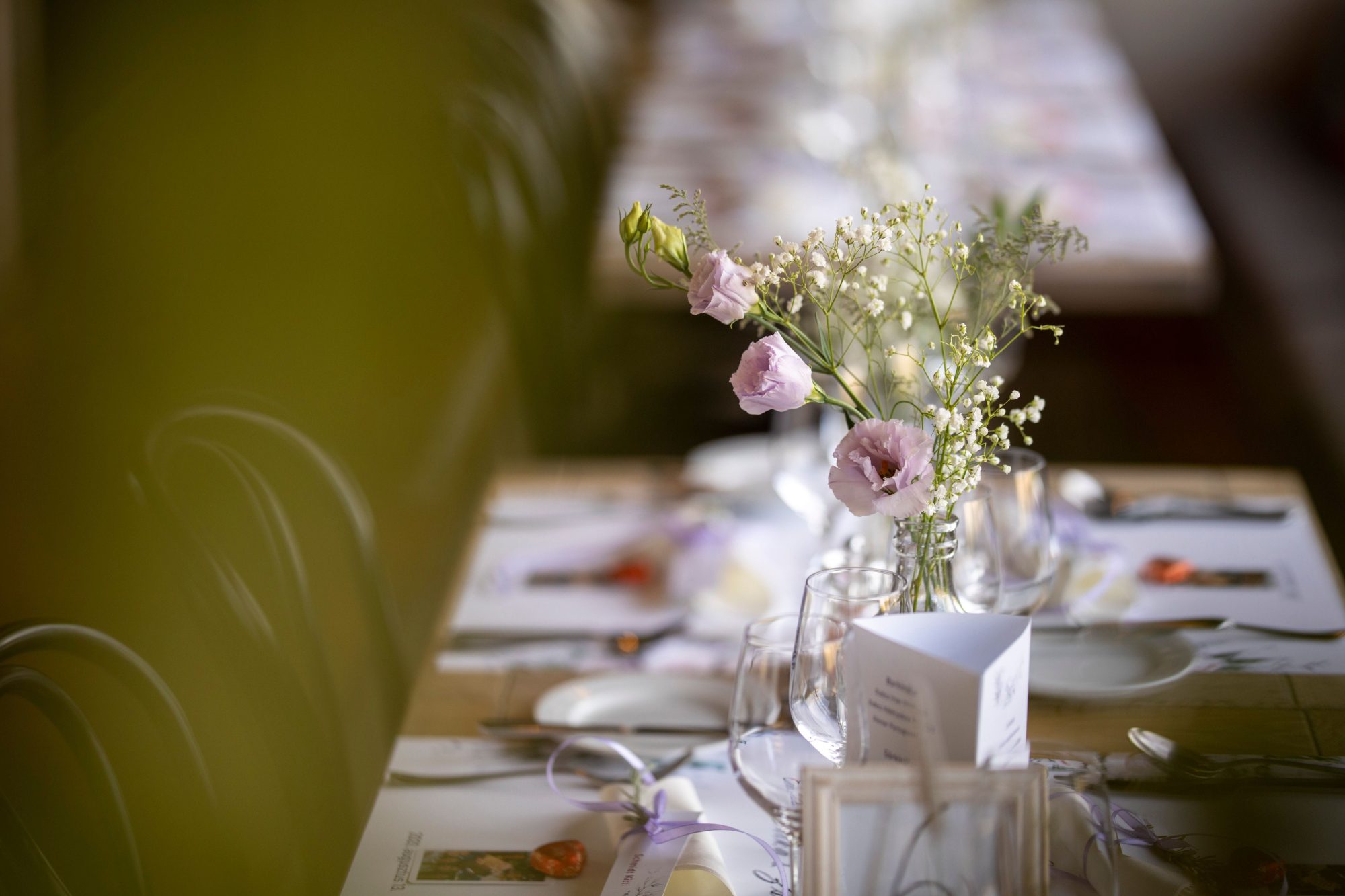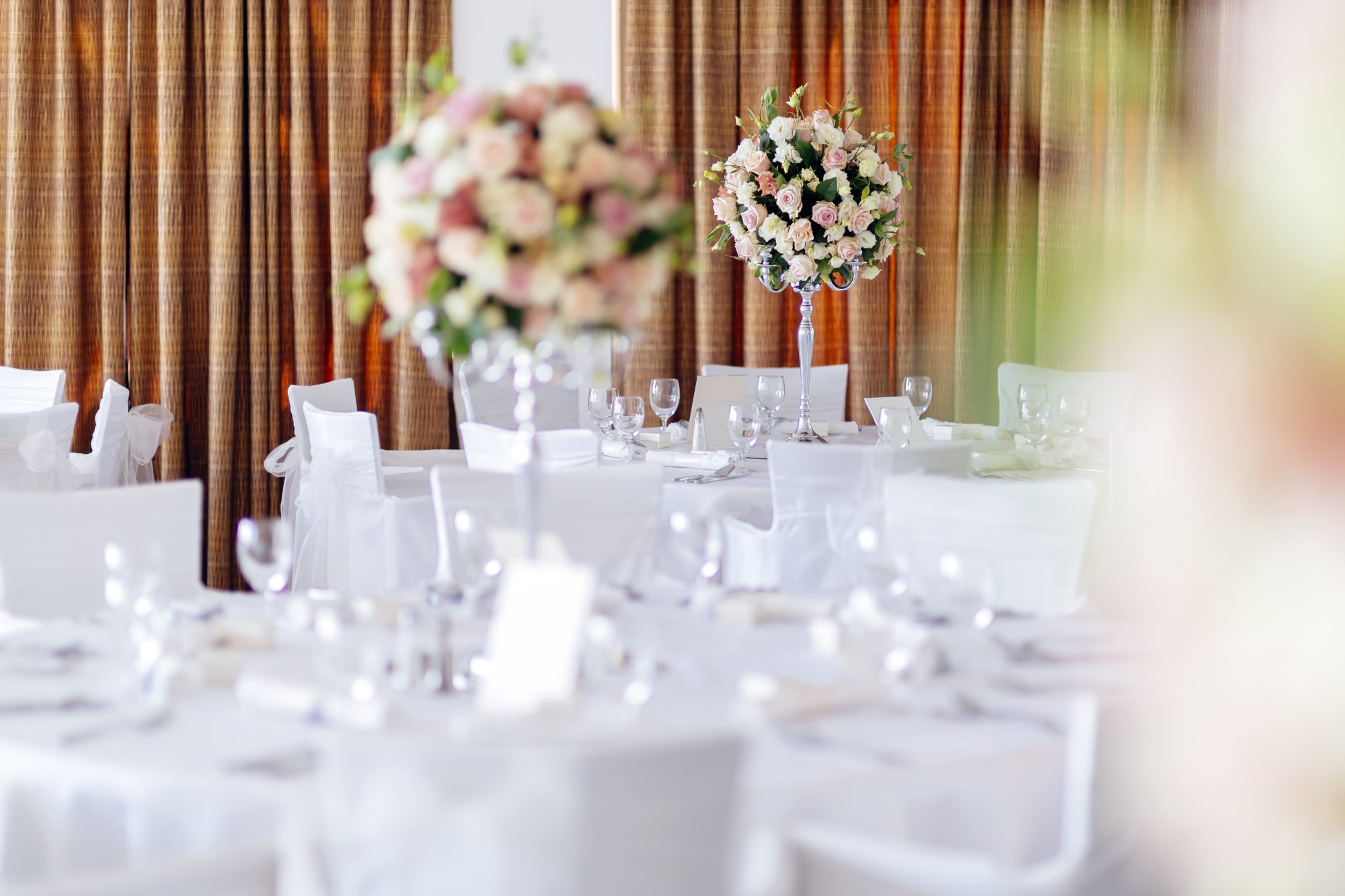
The best place for a wedding photo QR code is somewhere guests naturally pause, have their phones nearby and can scan without blocking other people.
One sign is rarely enough. Repeat the same QR code across several guest touchpoints while keeping every sign linked to the same event gallery.
On the wedding invitation
An invitation or information card can introduce the photo-sharing gallery before the wedding.
Include the direct address and repeat the code later at the venue. See how to use a photo QR code on wedding invitations.
On the wedding website
Place the direct link in a clearly labelled section such as “Share your photos”. Guests can bookmark it and reopen it later.
Do not publish the couple login or password.
At the welcome entrance
A welcome sign introduces the idea early, but guests may be focused on finding seats, checking coats and greeting people.
Use the welcome sign as the first reminder rather than the only one.
See how to design a wedding photo-sharing welcome sign.
On reception tables
Table cards are effective because guests have time to read them while seated.
Use one or two cards per table depending on its size and layout. Keep them clear of candles, flowers, glassware and menu holders.
Read the QR table-card size guide.
Beside the guest book
The guest-book area is a natural memory station. Guests are already thinking about leaving a message for the couple.
Place the upload sign nearby without making the area feel overcrowded.
Near the photo booth
A photo booth encourages guests to take pictures, making it a logical location for the upload code.
Explain whether booth images are supplied separately and that the QR code is for photographs or videos from guests’ own phones.
Near the bar
The bar remains busy throughout the reception. A small framed sign can provide repeated visibility.
Keep it away from spills, wet surfaces and areas where scanning would slow service.
At the evening entrance
Evening guests may miss every daytime sign. Place a fresh QR reminder near their arrival route.
See how to include evening guests in wedding photo sharing.
Near the dance floor
A dance-floor or DJ-area sign can specifically mention short videos. Position it where guests can scan safely without standing in the main movement area.
On menus or orders of service
A code can appear on the back or lower section of printed stationery, provided it remains large enough to scan.
For an unplugged ceremony, avoid encouraging phone use until after the formal service.
Inside hotel welcome packs
Destination weddings may include travel, welcome meals and morning-after events. Add the direct link to hotel or itinerary information.
See the destination wedding photo-sharing guide.
In the morning-after message
Send the direct link rather than expecting guests to scan an image displayed on the same phone.
Include the deadline and reassure guests that they can use home Wi-Fi.
Places to avoid
Avoid positioning the code:
- in dark corners;
- behind strongly reflective glass;
- inside crowded floral arrangements;
- very low on the floor;
- in a busy doorway;
- where guests block venue staff;
- where no mobile signal or Wi-Fi is available;
- on curved or moving surfaces.
Use the same code everywhere
Do not create separate galleries for different signs unless there is a clear operational reason. One event link keeps every guest contribution together.
Test every format
A welcome board, table card and digital message each create different scanning conditions.
Test the final printed item from the expected distance and complete a real upload.
Follow the wedding QR code testing checklist.
Frequently asked questions
Where is the best place for a wedding photo QR code?
Reception tables, the guest-book area and a visible welcome sign are strong locations because guests naturally pause there.
Should every table have a QR code?
It is helpful for larger weddings, but the code should also appear in other places for evening guests and people who miss table cards.
Should different signs use different QR codes?
No. Use the same event link throughout so all uploads reach one wedding gallery.
Before deciding where to display the code, see how wedding photo QR codes work and explore the WedSnap wedding photo QR code for guest uploads.
Repeat one clear upload destination
WedSnap provides one event QR code and direct link that can be used throughout the wedding and in post-event messages.
Review the included features, see the guest upload journey or create a gallery for £29.99.