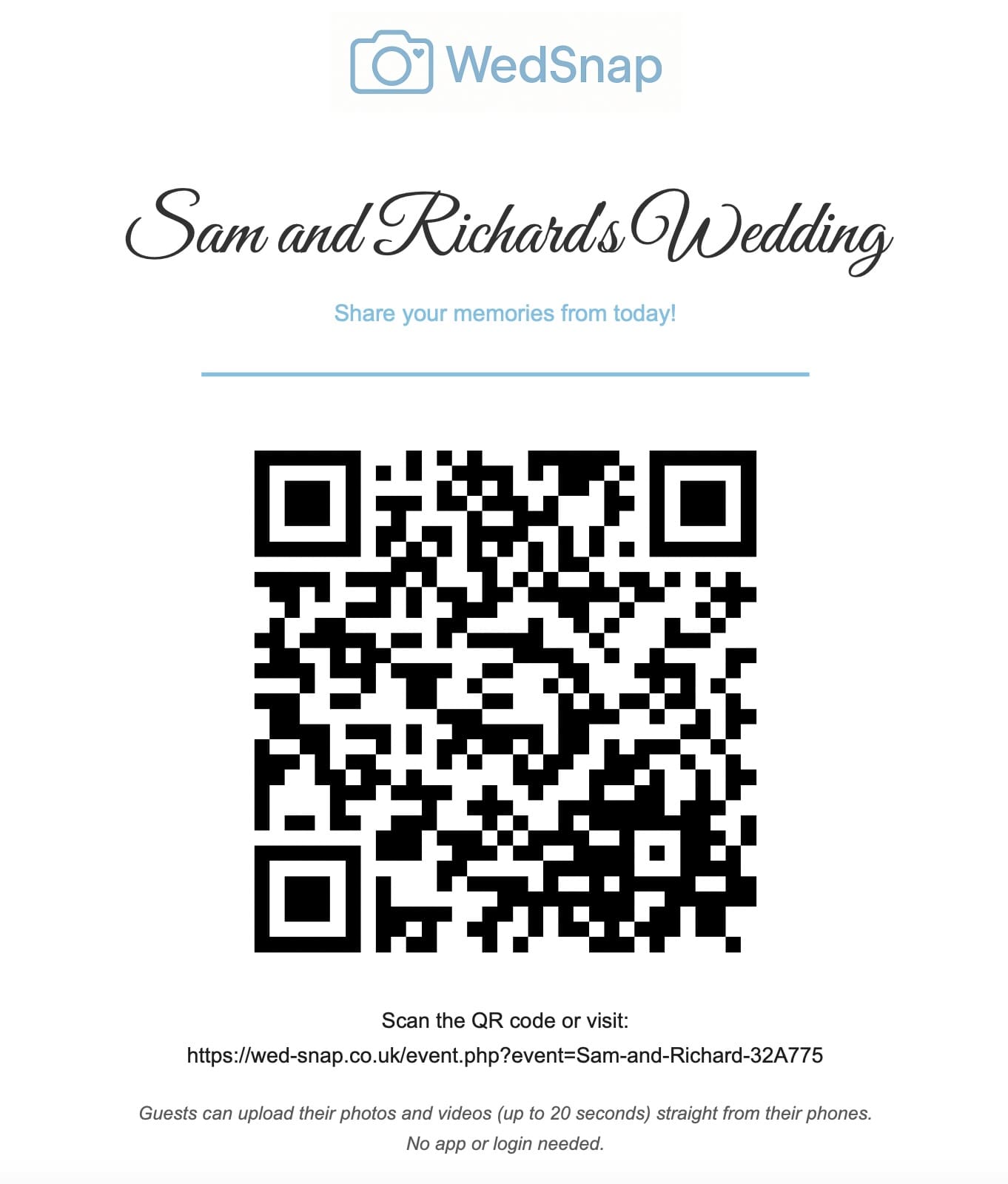
Wedding guests regularly record short videos of entrances, speeches, reactions, singing and the dance floor. These clips preserve voices, movement and atmosphere that still photographs cannot capture.
The problem is that videos are larger than photographs and are easily scattered across messaging apps, social platforms and personal cloud folders. A clear upload plan helps the couple collect them before they are forgotten or deleted.
Tell guests that videos are welcome
Guests may assume that the wedding QR code is only for photographs. State clearly on signs and messages that short videos can also be uploaded.
Useful wording includes:
Share your favourite photographs and short videos from today. Scan the QR code and upload directly from your phone. No app or guest account is required.
Our wedding photo sharing wording guide includes more adaptable examples.
What wedding videos are worth collecting?
Useful guest clips may include:
- getting-ready messages;
- arrival reactions;
- confetti and celebration outside the ceremony;
- short sections of speeches;
- table laughter;
- evening guests arriving;
- first-dance reactions;
- friends singing or dancing;
- personal messages for the couple;
- quiet moments away from the main room.
Guests should not obstruct the professional videographer or ignore ceremony restrictions. Their contribution is personal and informal rather than guaranteed event coverage.
Keep clips manageable
Long recordings take more time to upload, download and watch. Encourage guests to share the meaningful section rather than an entire hour of continuous footage.
The ideal length depends on the moment, but many useful guest clips are between a few seconds and a couple of minutes.
Do not force guests to trim videos if they are unsure how. It is better to receive the original meaningful clip than lose it through a complicated editing request.
Check supported video formats
Modern phones commonly record MP4 or MOV files, although exact formats depend on the device and settings. The uploader should validate supported formats clearly and reject unsuitable files with a useful explanation.
Couples should test uploads from both Apple and Android phones before the event. A successful test should include:
- selecting a real video;
- uploading over mobile data or Wi-Fi;
- confirming visible progress;
- checking the file appears in the couple gallery;
- playing the video with sound;
- downloading and replaying the file.
Plan for larger file sizes
Video files can be much larger than photographs. A single high-resolution clip may be hundreds of megabytes, particularly when recorded at a high frame rate or resolution.
Server settings such as maximum upload size, request size and processing time must be large enough for the intended use. The browser uploader should still avoid sending one enormous request containing every selected file.
Use browser-side batching
Browser-side batching divides a large selection into smaller requests. For example, the uploader may limit each batch by both file count and total size.
This provides several advantages:
- one failed request does not lose every earlier upload;
- the progress message can show the current batch;
- large groups of photographs and videos remain manageable;
- successful batches can be preserved;
- the guest can retry only the remaining files.
A batch ID allows all requests from the same guest submission to remain grouped in the couple gallery.
Show visible upload progress
Uploading a large video can take time. The page should immediately show that work has started and should not leave the guest staring at an unchanged button.
Useful feedback includes:
- disabling the submit button;
- showing the current batch number;
- displaying uploaded and remaining files;
- showing an animated progress indicator;
- explaining that successful earlier batches are safe;
- offering a clear retry option after failure.
Venue Wi-Fi and mobile data
A QR code may scan successfully while the video upload still fails because of poor connectivity. Ask the venue about guest Wi-Fi and test reception in the areas where guests will spend time.
Tell guests that they can upload later. The direct link should remain easy to find after the wedding so large files can be sent over home Wi-Fi.
This is especially important for destination weddings. See our destination wedding photo sharing guide.
Keep videos private during collection
Guests should be able to contribute clips without joining a public social feed or seeing every other upload. The complete collection can remain inside the couple account until they decide what should be shared.
Read how private wedding upload access works.
Download and back up every video
Videos should be included in the final ZIP export alongside photographs. After downloading, extract the archive and play a selection of clips from different uploaders.
Check that sound is present and that files play from the permanent backup locations. Follow the wedding photo and video backup guide.
Photograph and video upload planning
| Consideration | Recommended approach |
|---|---|
| File size | Use manageable browser batches |
| Progress | Show visible status and disable duplicate submission |
| Connectivity | Allow uploads after the wedding |
| Privacy | Separate guest uploads from the couple gallery |
| Permanent storage | Download, verify and create multiple backups |
Frequently asked questions
Common questions about collecting wedding videos from guests.
How long should guest wedding videos be?
There is no compulsory length, but short meaningful clips are easier to upload, organise and watch. Guests should capture the moment rather than record continuously without a purpose.
Can guests upload videos without an app?
Yes. A browser-based uploader can allow guests to select supported video files directly from their phones without installing an app or creating an account.
What happens if a large batch fails?
A properly batched uploader preserves successful earlier requests and allows the guest to retry only the remaining files.
Should guests upload over mobile data?
Only if they are comfortable with their allowance. Large videos can use significant data, so home or venue Wi-Fi may be preferable.
Photographs and videos can use the same overall guest collection strategy. Read the complete guest photo collection guide or see how to collect wedding photos and videos from guests in one place.
Collect the sound and movement of the wedding
WedSnap allows guests to contribute supported photographs and videos through the same event uploader. Browser batching, visible progress and contributor grouping make larger submissions more manageable.
Explore the upload features, see how WedSnap works or create a wedding gallery for £29.99.