

The Best Way to Collect Wedding Photos From Guests
The best collection method gives every guest one clear destination and removes unnecessary accounts, apps and competing links.
Read the full guidePractical help for collecting more memories
Useful guides for wedding QR codes, guest uploads, candid photographs and preserving the memories captured around your professional gallery.
The best collection method gives every guest one clear destination and removes unnecessary accounts, apps and competing links.
Read the full guide
Use these wedding photo QR code ideas to make your upload link visible, understandable and easy for guests to scan.
Read the full guide
A wedding QR code can open the complete Guest Hub, giving guests one mobile route to uploads, wedding information, the digital guestbook and gallery.
Read the full guide
Use the Guest Hub, scheduled notifications and one clear wedding link to collect guest photographs, videos and guestbook messages without weeks of chasing.
Read the full guide
App-free wedding photo sharing lets guests scan a QR code and upload directly through their phone browser.
Read the full guide
Wedding guest photo sharing brings every candid photograph and short video into one organised private gallery.
Read the full guide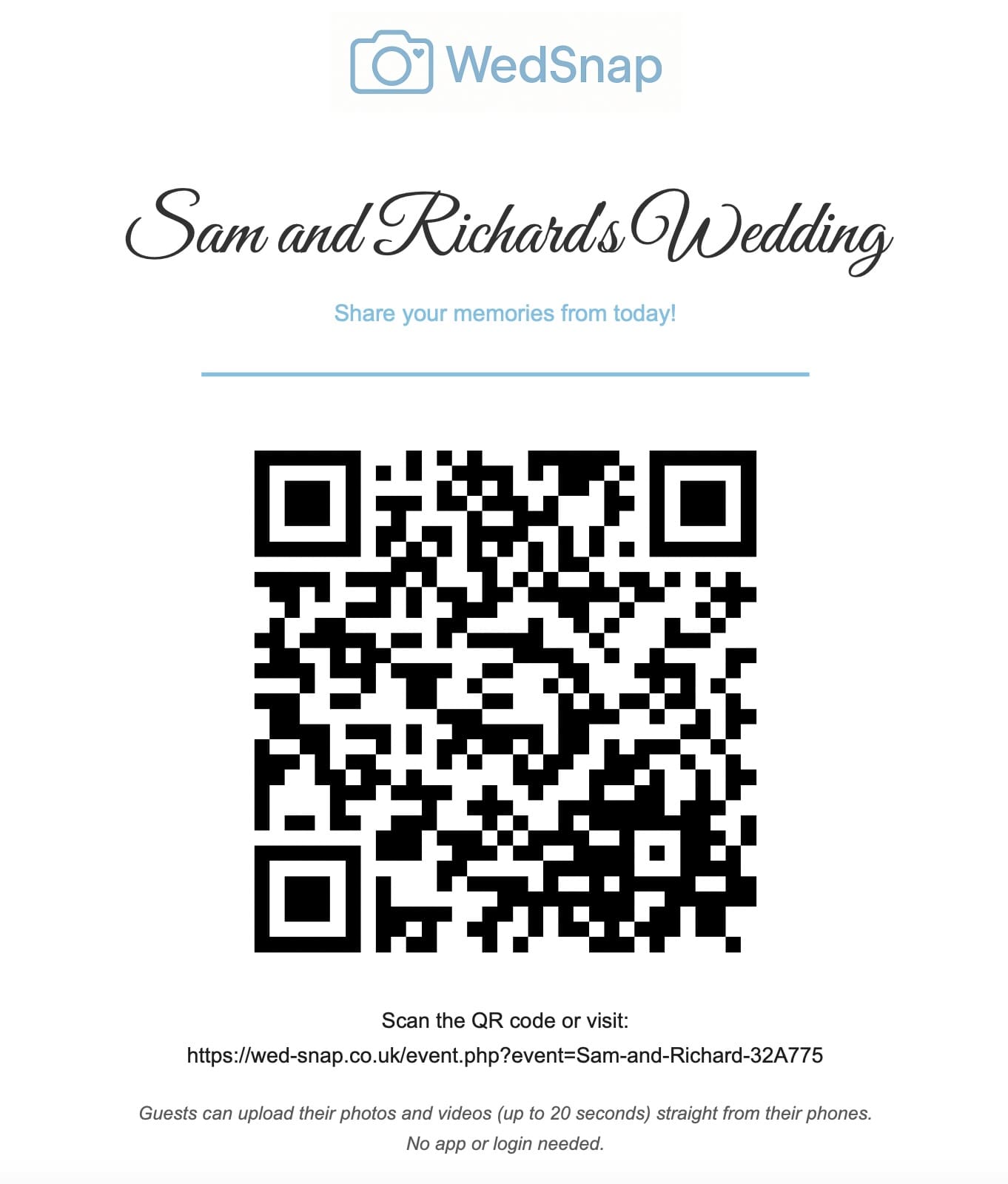
Turn guest wedding photos into a live venue display with a Wedding Photo Wall for TVs and projectors.
Read the full guide
One wedding QR code can open a clear Guest Hub containing uploads, the digital guestbook, itinerary information and the shared gallery.
Read the full guide
A useful guest itinerary shares arrival, ceremony, evening and transport details while keeping the private supplier timeline separate.
Read the full guide