
Chasing guests for wedding photos after the celebration can quickly turn into weeks of individual messages, searching group chats and asking relatives to resend files.
The easiest way to avoid that chase is to prepare one upload destination before the wedding, repeat it clearly during the celebration and send one polite reminder afterwards.
If you need the WedSnap service itself, see how to collect wedding photos from guests in one private gallery. This guide focuses on the timing and reminders that stop the collection process becoming a chore.
Why couples end up chasing guest photographs
Without a planned system, guest photographs are usually spread across personal messages, family chats, social posts, email attachments and individual phones.
Common problems include:
- guests forgetting which partner asked for the files;
- photographs being sent to several different conversations;
- social-media copies replacing the original files;
- videos being too large for convenient messaging;
- private accounts hiding hashtagged posts;
- people intending to send files later and forgetting;
- the couple not knowing who has already contributed.
Create one guest upload destination
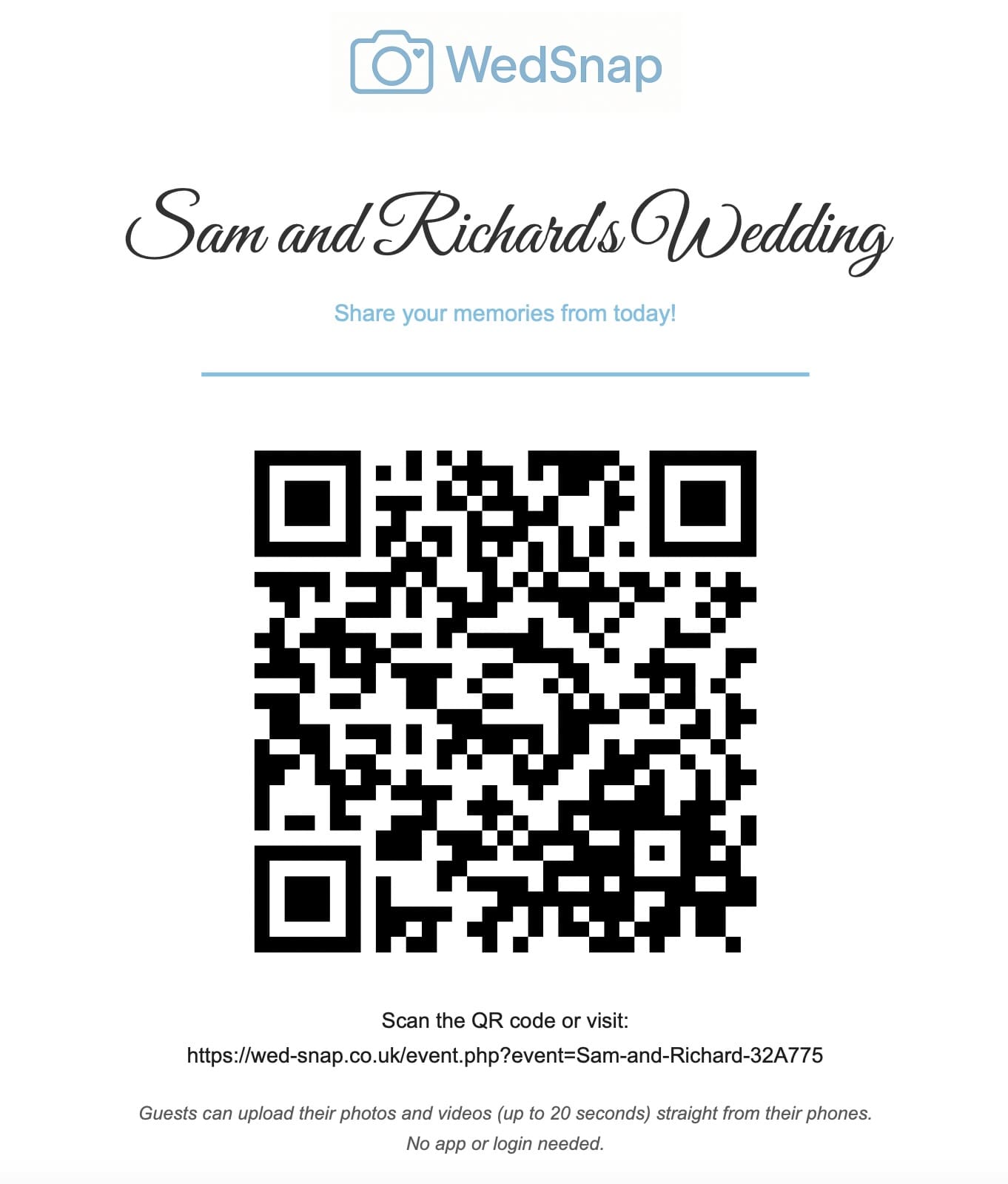
Set up one event page that accepts photographs and supported video files directly from a phone browser.
Guests should not need to:
- download an app;
- create an account;
- remember a password;
- join a large messaging group;
- give their phone number to other guests;
- understand cloud-folder permissions.
With WedSnap, the guest opens the event page, selects files, adds an optional name and message, and uploads to the couple’s private event collection.
Set it up before anything is printed
Create the event before designing invitations, table cards or welcome signs. Once printed materials contain the QR code, the linked event URL should remain stable.
Test the complete journey:
- scan the printed code;
- open the correct wedding page;
- choose several photographs;
- upload a short video;
- add a name and message;
- check the files in the couple gallery;
- download one file again.
Use several guest touchpoints
One sign is easy to miss. Repeat the same QR code and direct link at natural points throughout the guest journey.
Useful placements include:
- the wedding website;
- an invitation information card;
- the welcome display;
- reception tables;
- the guest-book area;
- the photo booth;
- the bar or evening reception;
- a morning-after message.
See 15 wedding photo QR code placement ideas.
Explain what guests can upload
Do not assume everybody understands the purpose of the code. State that guests can share photographs and short videos from the wedding.
A simple instruction is:
Scan the code, choose your favourite photographs or short videos and upload them directly from your phone. No app or guest account is required.
Read simple wedding upload instructions for guests.
Ask for favourite moments, not every file
Encourage guests to choose meaningful images rather than uploading every duplicate, screenshot or accidental photograph on their camera roll.
This keeps the collection enjoyable to browse while still welcoming different viewpoints.
The candid wedding photo checklist gives inspiration without turning guests into photographers.
Allow uploads after the wedding
Many guests will be unable or unwilling to upload during the celebration. They may have poor reception, low battery, limited mobile data or simply prefer to enjoy the event.
Keep the direct link available so they can upload from home or hotel Wi-Fi later.
Send one useful reminder
A single message the following day is usually more effective than repeated requests.
Include:
- a genuine thank-you;
- the direct upload link;
- a reminder that photographs and videos are welcome;
- the upload deadline;
- permission to upload when convenient;
- confirmation that no app is required.
See morning-after photo-sharing message examples.
Prepare the guest list before the wedding
Adding your guest list before the celebration gives you a more organised starting point than waiting for anonymous uploads to appear.
The Couple Hub allows the couple to prepare guest details in advance. Guests can then be welcomed into the correct wedding experience without needing to create a traditional password-based account.
This is also useful for communication. Instead of building a separate mailing list, the couple can prepare their guest welcome and wedding information from the same place used to manage the wedding.
Use scheduled guest notifications instead of manual chasing
A well-timed notification can replace dozens of individual messages.
Useful communication stages include:
- a welcome message before the wedding;
- important wedding-day information;
- a reminder shortly before the celebration;
- a morning-after request for photographs and videos;
- a final reminder before the upload period closes.
The aim is not to overwhelm guests. It is to make sure the correct link arrives at the moment it is most useful.
Give guests more than an upload request
Guests are more likely to return when the wedding link is useful to them as well as the couple. The Guest Hub can include wedding information, the digital guestbook and the shared gallery when enabled.
The upload request then feels like one part of the wedding experience rather than an isolated form that guests are expected to remember.
Keep uploads and guestbook messages organised
Contributor names make it easier for the couple to recognise each upload group. A short upload message can explain that the photographs came from the cousins’ table, university friends or the journey to the venue.
Personal guestbook messages are collected separately. This gives guests a dedicated place to leave congratulations, stories or advice without requiring them to attach the message to a photograph.
Guests can upload memories, sign the digital guestbook or do both.
Keep guest access separate from account access
The guest link should provide only the functions needed for contribution. The complete gallery, account email, download tools and event settings should remain protected inside the couple account.
Read how private wedding upload galleries work.
Handle large selections safely
Guests may select dozens of photographs and several videos at once. Sending everything inside one request increases the risk of exceeding browser or server limits.
Browser-side batching divides the files into smaller groups. Completed groups remain saved if a later upload fails, and the guest can retry only the remaining files.
Show visible upload progress
After the upload button is pressed, the page should immediately show that work is happening.
Useful feedback includes:
- a disabled upload button;
- the current batch number;
- an animated progress indicator;
- a success message;
- a retry option for remaining files;
- confirmation that earlier batches were retained.
Download everything before expiry
Once the upload period has ended, request the complete ZIP archive rather than downloading hundreds of files individually.
The server can prepare larger exports in the background and email a protected link to the main account address.
Read how to download all wedding guest photos safely.
Create permanent backups
The guest gallery is a collection service, not permanent storage. Extract the archive, verify the files and create multiple copies in separate locations.
Follow the wedding guest photo backup guide.
A simple collection timeline
| When | What to do |
|---|---|
| Before printing | Create and test the event gallery |
| Before the wedding | Add the link to guest information |
| Wedding day | Repeat the QR code around the venue |
| Following day | Send one polite reminder |
| Before expiry | Download, verify and back up everything |
For the broader guest experience, see how wedding photo sharing with WedSnap combines one QR code, guest uploads and a private couple collection.
Frequently asked questions
Common questions about collecting wedding photographs without repeatedly chasing guests.
When should guests receive the wedding upload link?
Introduce it before or during the wedding and send the direct link once more the following day. Avoid repeated messages to individual guests.
Should guests upload during the wedding?
They can, but they should also be free to enjoy the celebration and upload later using reliable Wi-Fi.
How many reminders should couples send?
One clear morning-after reminder and, where necessary, one final deadline reminder should normally be enough.
Can guests upload without joining a group chat?
Yes. A browser-based wedding upload page allows direct contribution without exposing phone numbers or creating another conversation.
Let Wed-Snap handle the reminders and collection
Wed-Snap gives guests one useful Guest Hub while the couple manages invitations, scheduled notifications, uploads, guestbook messages and gallery controls from the Couple Hub.
The result is fewer individual messages, fewer missing links and a much clearer journey from the first welcome to the final gallery download.
See how to collect wedding photos from guests with Wed-Snap, review the complete guest experience or create your wedding for £29.99.