

How to Send Wedding Guest Updates Without a WhatsApp Group
Use a clean guest list, purposeful scheduled messages and one Guest Hub instead of relying on a noisy wedding WhatsApp group.
Read the full guidePractical help for collecting more memories
Useful guides for wedding QR codes, guest uploads, candid photographs and preserving the memories captured around your professional gallery.
Use a clean guest list, purposeful scheduled messages and one Guest Hub instead of relying on a noisy wedding WhatsApp group.
Read the full guide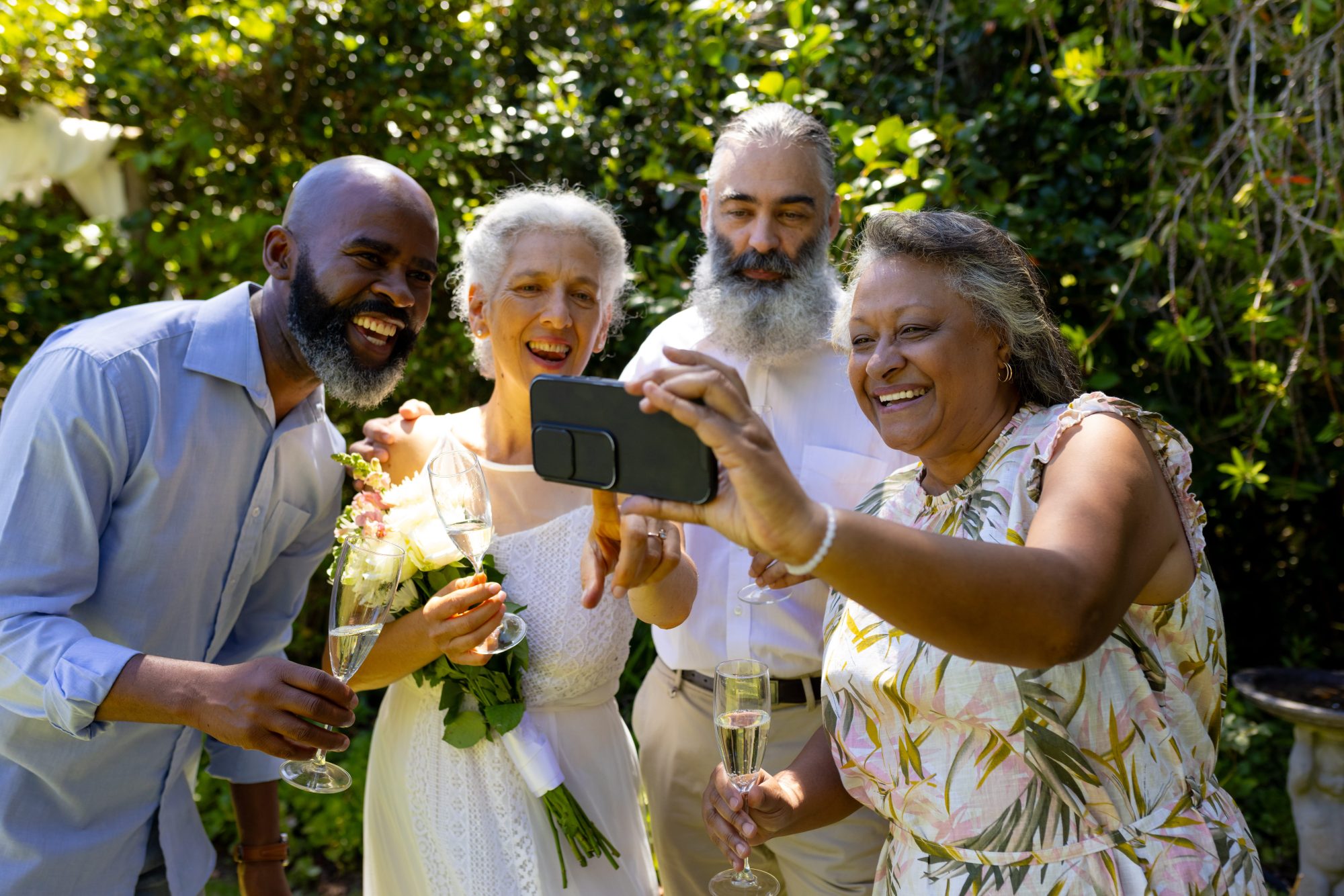
Digital and traditional wedding guestbooks preserve messages in different ways. Compare their strengths and learn how a hybrid approach can work.
Read the full guide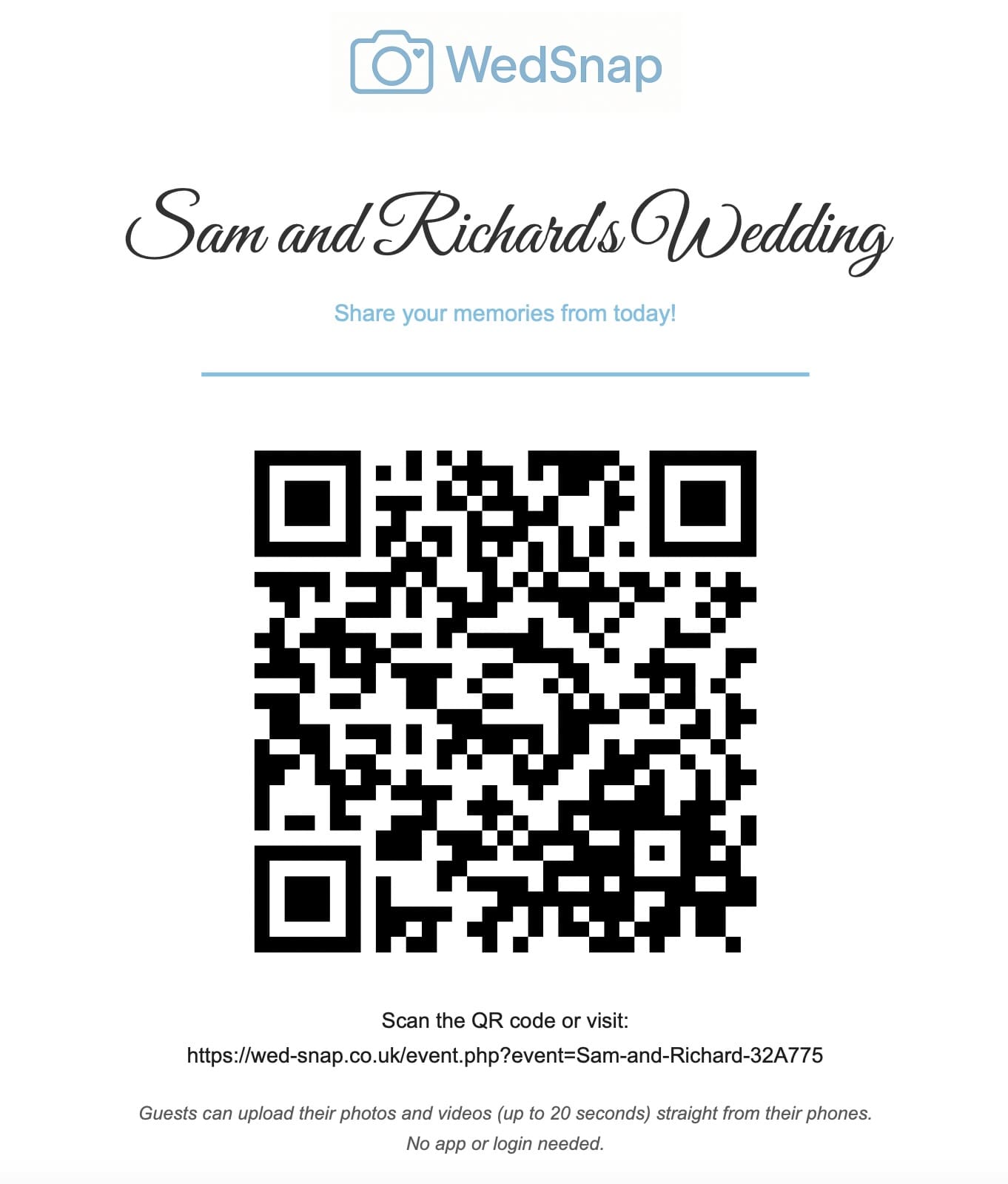
Google Drive can collect wedding photographs, but guest accounts and shared-folder permissions can make uploading less straightforward.
Read the full guide
Evening guests need a fresh introduction to the upload gallery because they may miss every sign and announcement from earlier in the day.
Read the full guide
Small weddings can create a particularly personal guest gallery because every contributor has a close connection to the couple.
Read the full guide
Destination weddings create memories across several days, so guests need an upload link that remains easy to find after travelling.
Read the full guide
No couple can see every reaction, conversation and celebration happening across a busy wedding venue.
Read the full guide
iCloud works naturally for Apple users, while a browser wedding uploader can provide a more consistent route across different phones.
Read the full guide
Disposable cameras offer novelty, while QR uploads collect photographs guests are already taking on their own phones.
Read the full guide