
A live wedding photo wall displays guest photographs on a venue TV, projector or large screen while the wedding is still happening. Instead of waiting until the following day to discover what everybody captured, the room can enjoy eligible photographs as they become available.
With WedSnap, the Wedding Photo Wall works alongside the existing guest upload journey. Guests continue scanning the normal wedding QR code and contributing through the Guest Hub rather than learning a second upload system just for the screen.
If you want to see the WedSnap feature itself, explore the Live Wedding Photo Wall for TVs and projectors.
What is a live wedding photo wall?
A wedding photo wall is a large digital display showing photographs contributed during the celebration. It can be placed on a venue television, projection screen or another suitable display where guests can see new memories appearing throughout the day or evening.
The aim is different from the couple's private gallery. The gallery is the organised wedding collection. The Photo Wall is a live display experience designed for the room.
How guests add photographs to the wall
The easiest setup is one where guests do not need to understand the wall technology at all. They simply use the wedding photo-sharing process they were already given.
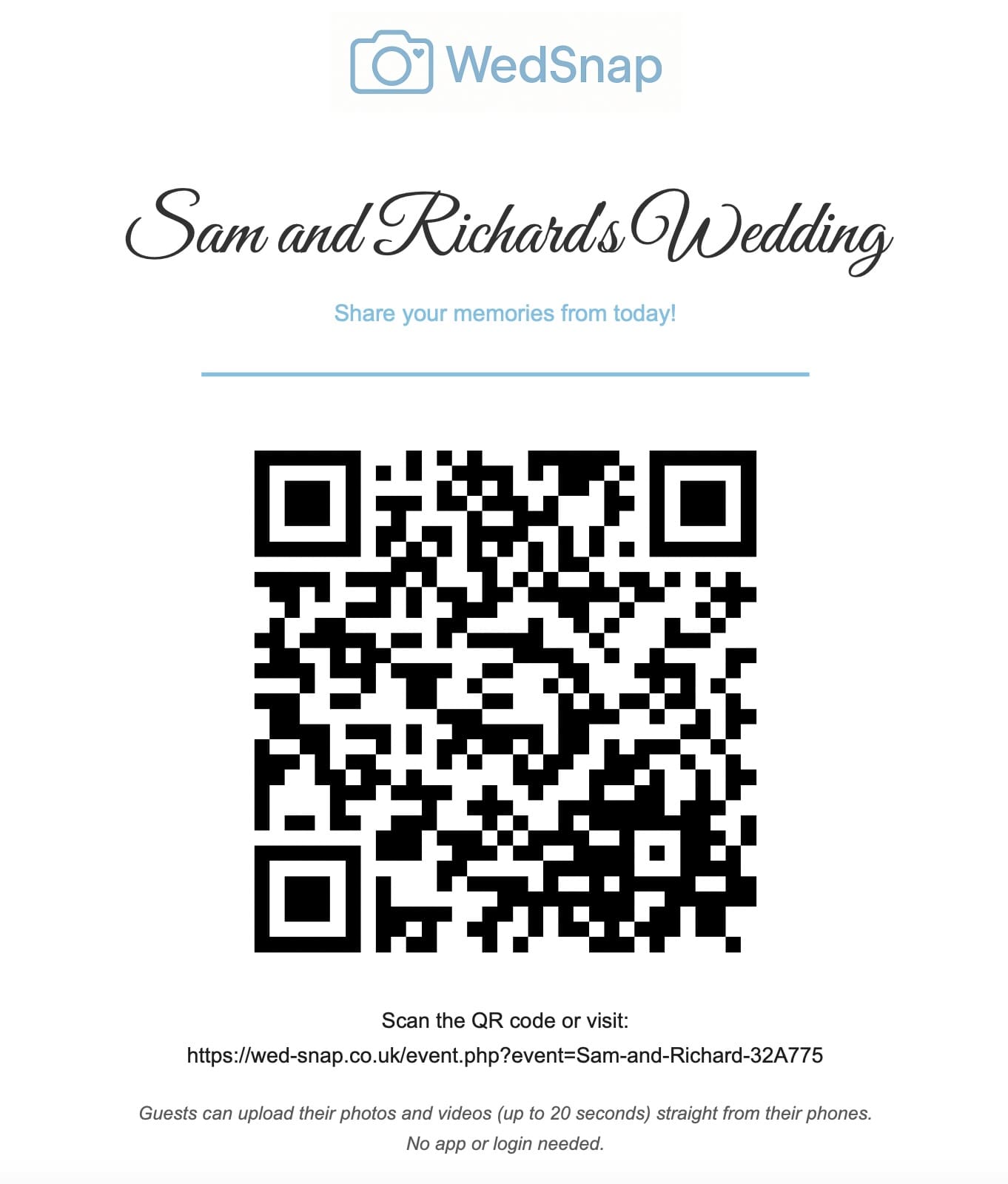
With WedSnap, guests scan the wedding QR code, open the Guest Hub and upload their photographs through the browser. There is no separate Photo Wall app and no second wall-specific upload form to explain.
Read how wedding photo QR codes work for the complete scan-to-upload journey.
Why a live wall can encourage more guest photography
Seeing guest photographs appear during the reception can remind other people that the wedding photo collection exists. It also demonstrates the kind of candid photographs being captured around the room.
That can encourage photographs of friendships, reactions, table groups, details and evening moments that the couple might otherwise never see.
For a more structured activity, couples can also use the Wedding Photo Hunt to give guests optional photography challenges.
TV, projector or venue screen?
The best display depends on the venue. A large television can work well in a bar, lounge or reception area. A projector may suit venues that already have a large screen available. Some venues have built-in displays that can open a web page directly or through a connected laptop.
Whichever display is used, test the setup before guests arrive. Check the screen ratio, browser, internet connection, sleep settings and any venue restrictions that could interrupt the display.
Does somebody have to keep refreshing the screen?
A useful live photo wall should not require somebody to stand beside the screen repeatedly refreshing a browser. The display should be able to check for newly available photographs while it is running.
This matters because the people helping with the wedding should be enjoying the celebration rather than operating a slideshow manually.
How moderation works with a live wedding photo wall
A live display needs sensible control because a photograph appearing in the private wedding collection is not automatically the same decision as displaying it on a large screen in front of the room.
WedSnap does not create a second, unrelated moderation workflow for the Photo Wall. When the existing media moderation system is enabled, the Wedding Photo Wall respects the media state already used by WedSnap. Media that the existing system does not consider approved or displayable is not shown on the wall.
This keeps moderation in one place instead of asking the couple or their nominated moderator to manage two separate queues.
Does a Photo Wall make the wedding gallery public?
No. A wedding-day display and the couple's complete gallery are different things. The wall can present eligible photographs without giving everybody access to private couple controls or the complete management view.
Read our guide to how a private wedding gallery for guests works for more detail about guest viewing and couple-only controls.
Wedding slideshow versus a live Wedding Photo Wall
A traditional wedding slideshow normally contains photographs chosen in advance. It might show childhood pictures, engagement photographs or images prepared by friends and family before the wedding.
A live Wedding Photo Wall is different because its content comes from photographs being contributed during the event. The display can therefore reflect what is happening around the venue rather than only material prepared beforehand.
The two ideas can also coexist. A venue can use a prepared slideshow at one point and the live guest Photo Wall at another.
Where should the screen be positioned?
Choose somewhere visible without making the display dominate the wedding. Good locations may include a reception lounge, bar area, evening room or the edge of the dance-floor space.
Avoid placing the screen where guests have to block a walkway to see it, and avoid making it so prominent that people begin watching the display instead of participating in the celebration.
Use the Photo Wall as part of the wider wedding experience
The strongest setup is not a collection of disconnected digital tools. One wedding QR code can open the Guest Hub, provide photo and video uploads, allow dedicated digital guestbook messages and support other guest-facing features.
Read how one wedding QR code can connect photos, guestbook messages and wedding information.
Frequently asked questions
Can wedding guests upload directly to the Photo Wall?
Guests use the normal WedSnap QR upload journey. Eligible photographs from that existing wedding media flow can then become available to the Wedding Photo Wall.
Can a Wedding Photo Wall work on a projector?
Yes. A projector or large television can work as long as the display setup can access the wall page reliably and the venue connection has been tested.
Do guests need a special Photo Wall app?
No. Guests continue using the normal browser-based WedSnap Guest Hub.
What happens if moderation is switched on?
The wall respects the existing WedSnap moderation state. Media that is not approved or displayable through that existing system is not shown.
Is the Photo Wall the same as the private gallery?
No. The Photo Wall is a wedding-day display. The private gallery remains the organised collection and management area for the couple.
Turn guest photographs into part of the celebration
A live wedding photo wall can transform guest photography from something couples discover afterwards into something the room can enjoy while the wedding is happening.
Explore the WedSnap Wedding Photo Wall, see the wider WedSnap feature set or create your wedding for £29.99.