
1
Guest scans the code
The phone camera recognises the QR code and offers to open your wedding page.
Scan. Choose. Upload.
Put one QR code around your wedding and give every guest the same easy place to send you their photos and videos. They scan, choose what they want to share and upload. No app, no sign-up and no shared folder to figure out.
A QR code for wedding photos
WhatsApp messages, cloud folders, email attachments and social posts quickly turn wedding photo collection into a mess. A single wedding photo QR code gives every guest the same destination.
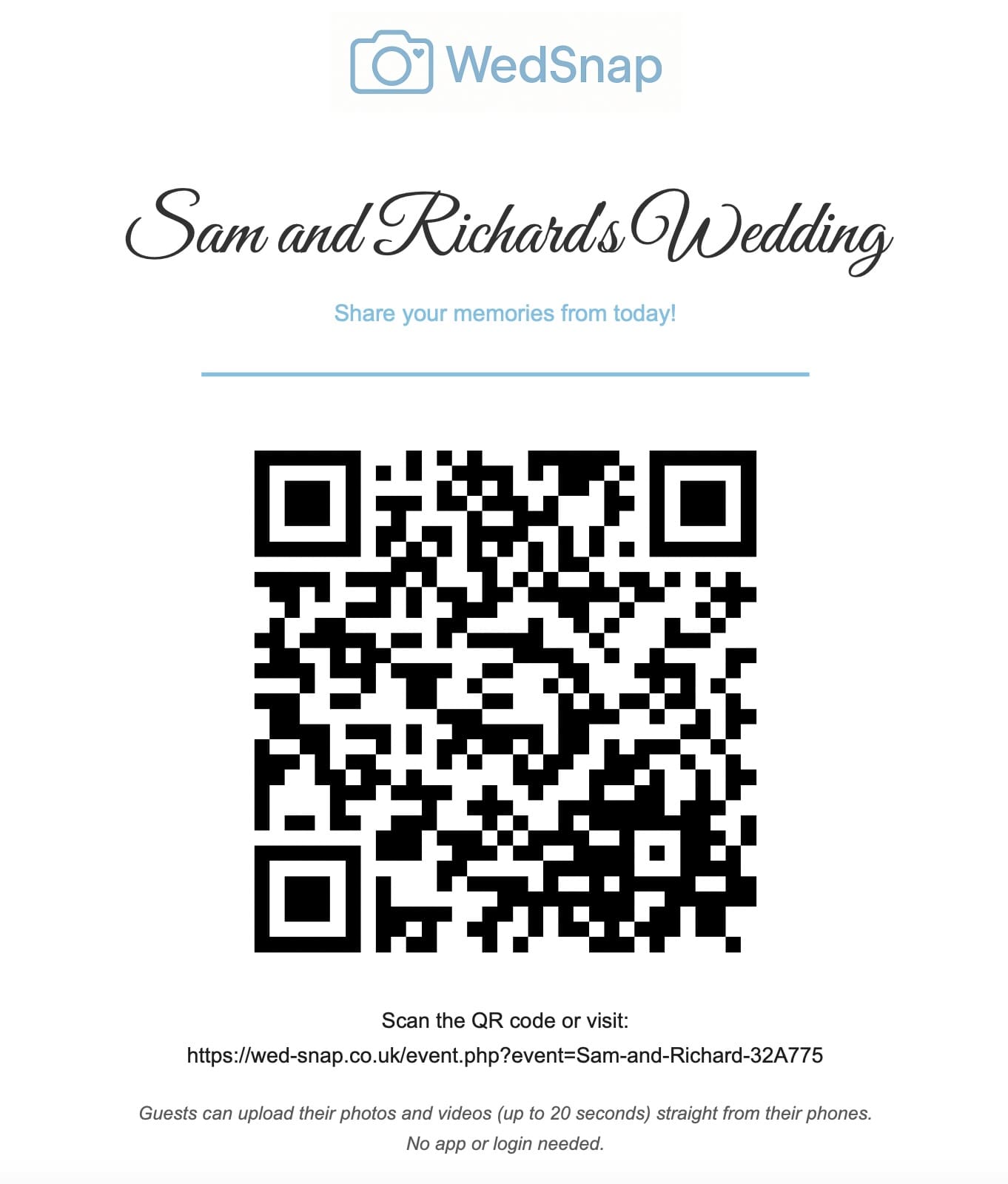
Simple wedding guest access
Think of the QR code as a shortcut to your wedding upload page. Guests point their phone camera at it and land in the right place without typing an address, downloading an app or signing in.
The phone camera recognises the QR code and offers to open your wedding page.
Guests land straight on your wedding upload page. They do not need to log in or create an account.
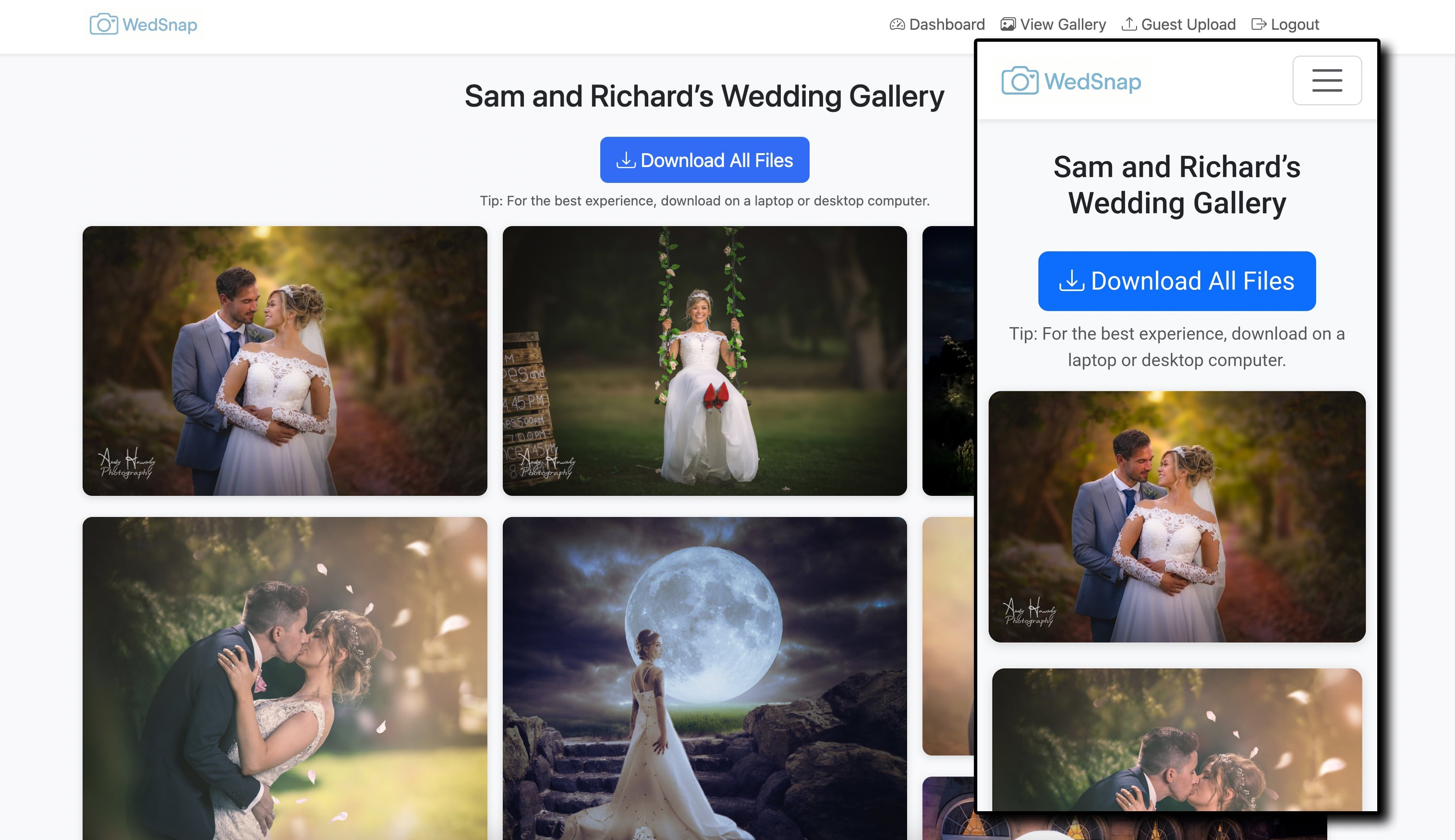
Photos and videos are sent into your WedSnap wedding for you to enjoy afterwards.
No guest app required
Asking a guest to scan a code and then download an app, register an account and verify an email defeats the point of making the upload process quick.
WedSnap simply opens in the browser already on their phone. They choose their photos or videos and send them.
Where to display your wedding QR code
One sign hidden in a corner is easy to miss. Use the same wedding photo QR code at several natural points throughout the celebration.
Introduce the upload page as guests arrive at the venue.
Small table cards keep the QR code visible while guests are seated.
Guests are already thinking about memories and messages at this point.
Keep the uploader visible as the celebration moves into the evening.
Send the direct upload link once more while photographs are still fresh.
Keep every printed sign pointing to the same wedding upload destination.
The best wedding QR code is not the most complicated one. It is the code guests notice, understand and can use in seconds.
WedSnap is built by wedding photographer Andy Hornby, who has photographed weddings since 2008. The guest journey is designed around how people actually behave during a busy wedding day.
Wedding photo QR code guides
Understand what the code contains and what happens after a guest scans it.
Check printing, different phones, mobile data and venue conditions.
Give guests a clear reason to scan and upload their memories.
Choose a practical printed size with enough contrast and scanning distance.
Understand guest access and how the complete couple gallery stays separate.
Troubleshoot scanning, print quality, destination links and venue connectivity.
Wedding QR code photo sharing
Set up your WedSnap wedding and download your personalised QR sign from your Couple Hub. Use the same code throughout your wedding day.
Complete WedSnap package
One payment. No subscription.
Secure payment through PayPal
Wedding photo QR code FAQs
Your wedding QR code opens your guest upload page. Guests scan it with their phone, choose their photos or videos and send them straight to your WedSnap wedding.
Guests scan the code and your wedding upload page opens in the browser already on their phone. There is no app to install, no guest account to create and no access to your private Couple Hub.
Yes. Use the same QR code on your welcome sign, tables, bar area and anywhere else guests will see it. Every copy takes them to the same wedding upload page.
Yes. Guests can send both photos and short wedding videos through the same simple upload page.
No. Scanning your QR code does not give guests access to your private Couple Hub or complete wedding collection. They can simply send their photos and videos to you.
WedSnap costs £29.99 once. Your wedding upload page, printable QR signs, private gallery and gallery downloads are all included.
Yes. Guests use the normal browser on modern iPhone and Android phones. They scan the QR code, choose photos or supported short videos and upload without installing an app.
The WedSnap wedding remains available for 90 days after the wedding date in the couple account. A reminder is sent before files are removed so the couple has time to download everything.
Create your WedSnap wedding, put your QR code where guests can see it and let their photos and videos come straight to you.