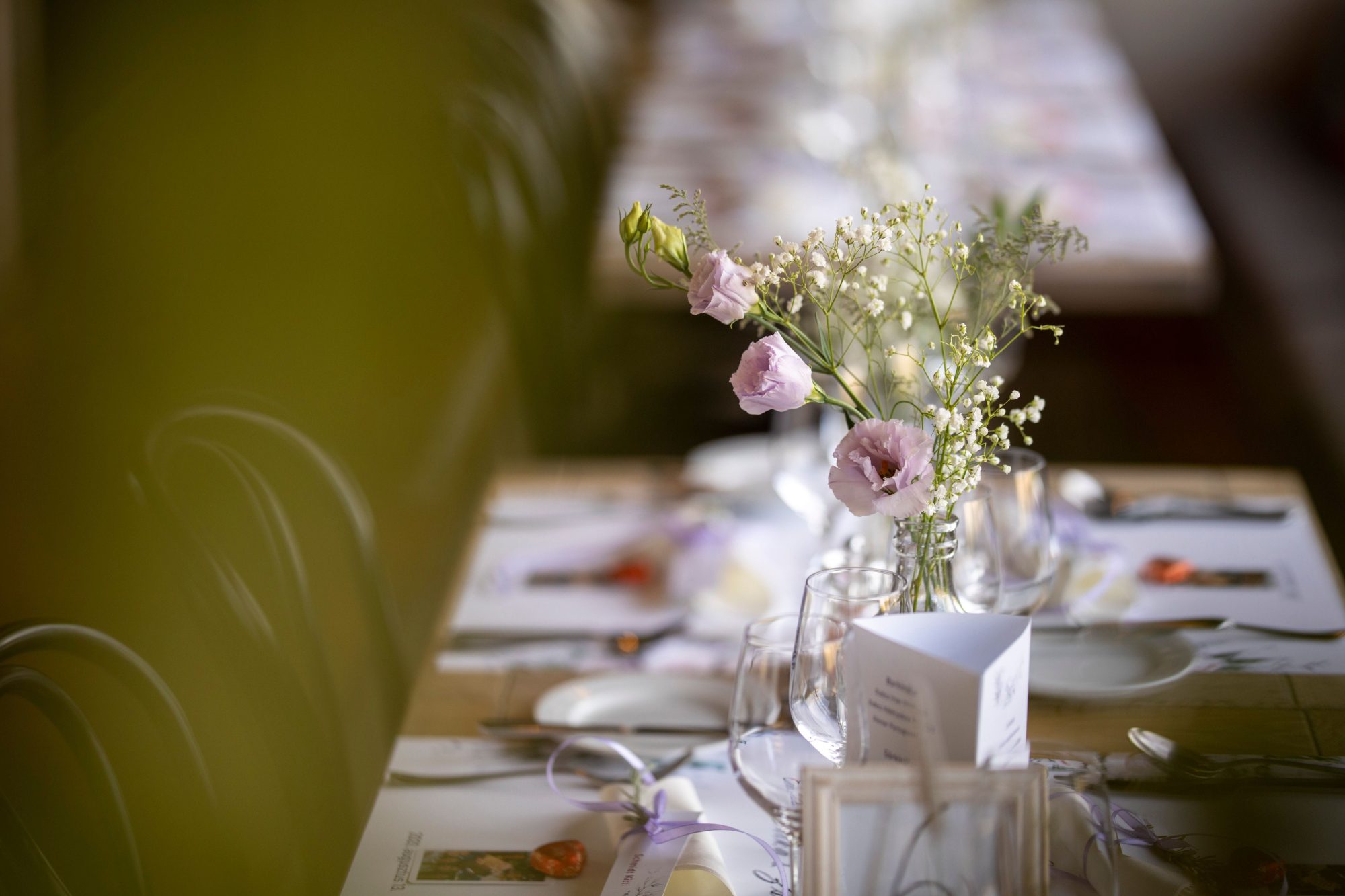
There is no single compulsory size for a wedding photo QR code table card. The correct dimensions depend on scanning distance, table layout, print quality and the amount of wording included.
The code should be comfortably scannable while the guest is seated, without needing to pick up the card or move decorations.
Suggested QR code dimensions
For a table card viewed from a seated position, a QR code around 35-50 mm wide is a practical starting range.
A smaller code may work when it is close to each place setting. A central card intended for a large round table may need a larger code.
| Use | Suggested starting width |
|---|---|
| Individual place card | 30-40 mm |
| Small table tent | 40-55 mm |
| Central table sign | 50-70 mm |
| Welcome sign | 70-120 mm or more |
These are not guarantees. The complexity of the encoded address and printing conditions can affect results.
Consider the scanning distance
The further the phone is from the code, the larger it should be. A card placed beside each guest can be smaller than one positioned among flowers in the centre of the table.
Sit in the guest’s position and test it without leaning across tableware.
Protect the quiet zone
Leave a plain border around the complete code. Do not measure only the patterned square and then crop the surrounding white area.
Keep text, borders, floral graphics and background patterns away from this clear zone.
Use strong contrast
A dark code on a light background is the safest choice. Pale colours may become even lighter during printing.
Test the printed output rather than relying on how the colour appears on a bright monitor.
Do not overload the card
A table card needs only:
- a short heading;
- one sentence of explanation;
- the QR code;
- the direct web address;
- a short reassurance such as “No app required”.
Long paragraphs force the code to become smaller and make the design harder to understand.
See table-card wording examples.
Choose the card format
Common formats include:
- A6 flat cards;
- A6 or DL tent cards;
- small framed signs;
- double-sided table numbers;
- menu inserts;
- individual place-setting cards.
A double-sided tent card allows guests on opposite sides of the table to scan without turning the sign.
Avoid competing objects
Candles, glassware, flowers and reflective decorations can block or distort the camera view.
Place the card where it remains visible after food, drinks and table gifts have been added.
Check lighting and reflections
Test the final card under venue-style lighting. Glossy paper, acrylic holders and glass frames may cause glare.
Matte printing is often more dependable for table signage.
Include the direct URL
A readable direct address allows guests to type or revisit the page later. It also helps when a guest is viewing a digital picture of the card on their own phone.
Print one proof before ordering
Order or print one complete sample before producing every table card.
Test:
- an iPhone camera;
- an Android camera;
- the realistic seated distance;
- low reception lighting;
- the mounted or folded format;
- a real upload after scanning.
Follow the wedding QR testing checklist.
Use more than table cards
Table cards are effective, but some guests will still miss them. Repeat the code at the welcome display, guest book or evening entrance.
See where else to place the wedding photo QR code and 15 QR display ideas.
Before sending your cards to print, see how the WedSnap wedding photo QR code works for guest photo and video uploads.
Frequently asked questions
How large should the QR code be on a table card?
Around 35-50 mm wide is a practical starting range, but test the final printed design from the expected seated distance.
Is an A6 table card large enough?
Usually, provided the layout keeps the QR code prominent and does not fill the card with too much text or decoration.
Should the card be matte or glossy?
Matte finishes are generally easier to scan because they reduce reflections from venue lighting.
For the complete process behind the printed card, read how wedding photo QR codes work from scan to upload.
Design for the guest’s real seating position
WedSnap’s QR code can be used across table cards, welcome signs and digital reminders while directing every guest to the same upload page.
Review the included tools, see the upload process or create a gallery for £29.99.
Still choosing how guests will share their photos? Compare the best wedding photo sharing apps in the UK for 2026, including pricing, QR uploads, guest experience and no-app options.