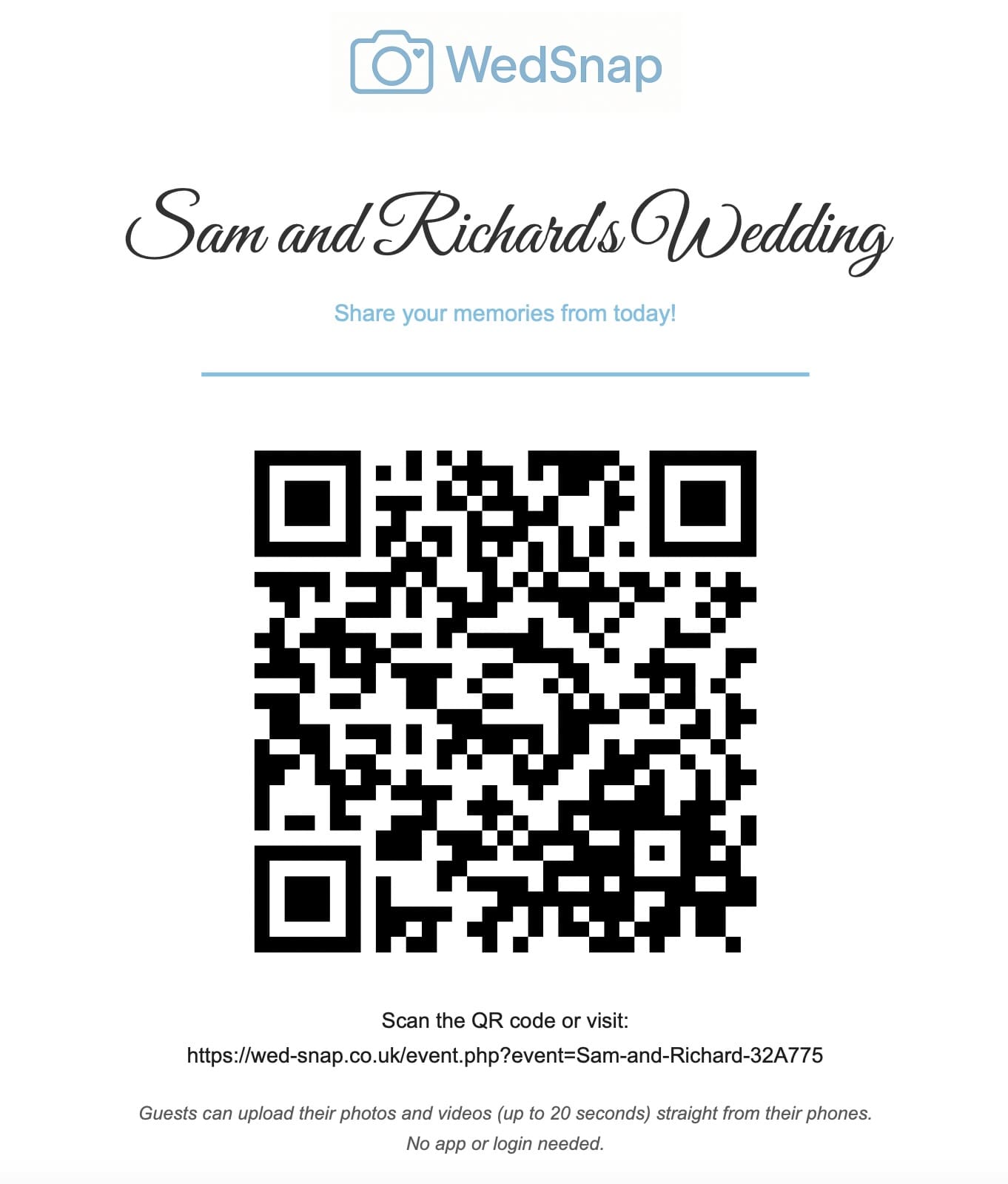
A wedding photo QR code can provide a convenient route to a private guest uploader, but the printed code itself is not a password or security lock. Anyone who can see it can scan it and open the address stored inside.
The privacy of the wedding collection therefore depends on the permissions of the page that opens, not on the square pattern printed on the sign.
What a wedding QR code contains
A standard wedding photo QR code usually contains an event-specific web address. Scanning it is the same as typing that address into a browser.
The code should never contain:
- the couple’s password;
- a private administrative login;
- database or storage details;
- the account email address;
- a permanent public download address.
Read how wedding photo QR codes work for a complete explanation of the scanning and upload process.
Upload access and gallery access are different
A properly designed system separates the guest uploader from the couple dashboard.
Guests need permission to:
- open the correct wedding event;
- select supported photographs or videos;
- add an optional name and message;
- submit their files;
- receive a clear success or error message.
They do not need permission to:
- view every contribution;
- change event details;
- request complete downloads;
- see the account email;
- access another wedding;
- change passwords or account settings.
See how a private wedding guest gallery works.
Who can scan the printed code?
Anyone physically present near the sign may be able to scan it. This is usually appropriate at a private wedding attended by invited guests, but the couple should still control where the code is displayed.
Avoid publishing the upload QR code on unrestricted public social posts unless you are comfortable with people outside the guest list reaching the upload page.
After the event, remove signs from public venue areas and avoid leaving the upload link on pages that remain publicly accessible indefinitely.
Is the complete gallery visible to guests?
That depends on the service and its settings. Some shared albums allow every participant to browse the entire collection. Others provide upload-only access.
WedSnap keeps the complete collection inside the authenticated couple account. The guest uploader is intended for contribution rather than unrestricted gallery management.
Protecting the couple account
The couple should use a strong unique password that is not shared with guests or printed on event stationery.
The main email account should also be protected because password resets, expiry reminders and secure export links may be sent there.
Useful precautions include:
- using a unique password;
- protecting the email account with two-step verification;
- not reusing the guest upload URL as a login link;
- logging out on shared devices;
- checking that account recovery details remain current.
Review guest uploads before public sharing
A private upload collection may include children, private conversations, photographs of people eating, or moments that guests did not expect to be published publicly.
The couple should review the files before creating social posts, public albums or slideshows. Private collection and public sharing are separate decisions.
Secure complete downloads
Large exports should be prepared privately and delivered through a protected token link rather than placed at a predictable public file address.
The download endpoint should verify that:
- the token exists;
- the export completed successfully;
- the link remains within its validity period;
- the requested private archive still exists.
Read how complete wedding gallery downloads work.
Privacy checklist
- Use the QR code only for the guest uploader.
- Keep the couple dashboard behind authenticated access.
- Do not print or share the couple password.
- Avoid publishing the upload link unnecessarily.
- Review guest files before wider publication.
- Download everything through protected export links.
- Create permanent private backups before expiry.
Frequently asked questions
Is a wedding photo QR code a password?
No. It contains a web address. Anyone who can see the code may be able to open that address.
Can guests see every wedding photograph after scanning?
Not necessarily. Upload-only access can allow contributions while keeping the complete gallery inside the authenticated couple account.
Should the QR code be posted publicly?
Only when the couple is comfortable with a wider audience reaching the guest upload page. For a private event, share it mainly with invited guests.
Use limited guest access rather than relying on secrecy
WedSnap gives guests a focused browser uploader while keeping the complete collection and download tools inside the couple account.
Review the privacy and gallery features, see how WedSnap works or create a gallery for £29.99.