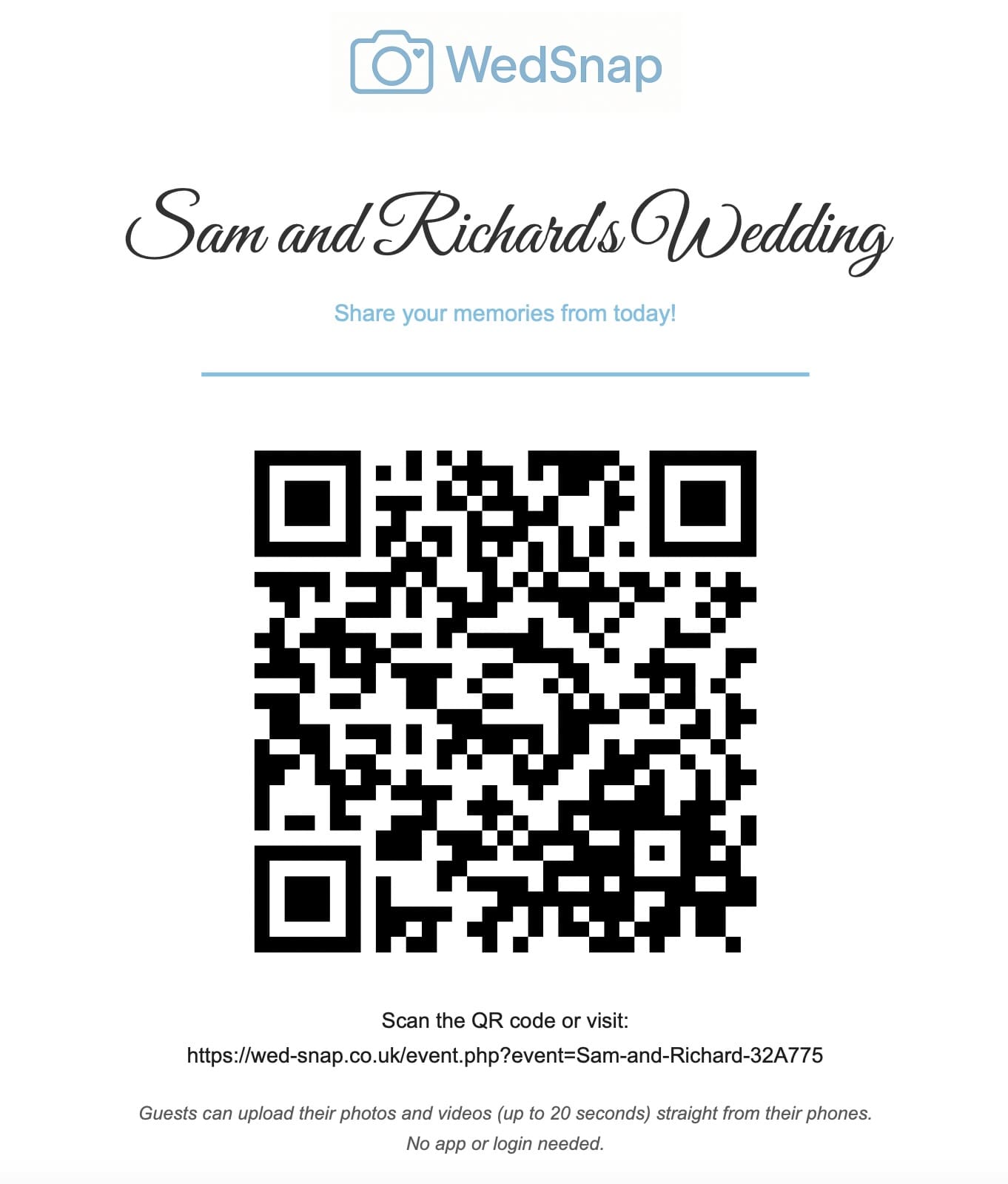
Ask wedding guests to share photographs in a way that feels warm, optional and easy. Explain why their pictures matter, give them one clear upload destination and avoid making contribution sound like an obligation.
The most effective request appears several times in different formats rather than relying on one announcement.
Explain why you want guest photographs
A meaningful request might say:
We will not be able to see every reaction and conversation during the day. We would love you to share the moments happening around you so we can experience more of the celebration afterwards.
This gives guests a personal reason to use the uploader.
Introduce the gallery before the wedding
Add the upload link to the wedding website or information card. Explain that guests can use it during or after the event.
Do not rely on pre-wedding communication alone. Guests may forget the details by the time the celebration arrives.
Use simple printed wording
A table card or welcome sign can say:
Share your view of the day
Scan the QR code to upload your favourite photographs and short videos. No app or guest account is required.
See wedding photo-sharing wording ideas.
Tell guests that videos are welcome
Many people assume the QR code accepts photographs only. State clearly that short video clips can also be uploaded.
Read how to collect wedding videos from guests.
Reassure them that no app is required
Place “No app required” near the QR code. This removes a common reason for guests to postpone scanning.
Guests can open the event page using their normal browser and choose files already stored on the phone.
Let people upload later
Guests should not feel pressured to use their phones during the ceremony or reception. Poor signal, low battery and limited data may also make later uploading more practical.
Say:
Enjoy the day and upload whenever it suits you. You can save this link and use home Wi-Fi later.
Send one morning-after message
A polite follow-up message reaches people when they are more likely to browse their camera rolls.
For example:
Thank you for celebrating with us. We would love to see the moments you captured. Please use the link below to upload your favourite photographs and short videos by Sunday. No app or account is needed.
See more morning-after message examples.
Give a clear deadline
A deadline helps prevent the request remaining indefinitely unfinished. Allow enough time for travel, large video uploads and guests who need help.
Do not make the deadline so short that people feel pressured immediately after the wedding.
Avoid repeated personal chasing
Use the same general reminder for the whole guest group. Personal messages are reasonable when somebody has specifically mentioned an important photograph or video, but repeated requests can become uncomfortable.
Read how to collect guest photographs without chasing everybody.
Ask the wedding party to help
Members of the wedding party can remind nearby guests and help older relatives scan the code. They should not pressure people or spend the celebration collecting phones.
Use inclusive wording
Avoid assuming everybody is confident with QR codes. Include a direct web address and offer help where needed.
See how to help older wedding guests share photographs.
What not to say
Avoid wording that sounds demanding:
- “You must upload every photograph.”
- “Do not leave until you send your files.”
- “We expect every guest to take pictures.”
- “Upload during the ceremony.”
Guests should remain free to experience the wedding without photography responsibilities.
Frequently asked questions
When should guests be asked to share wedding photographs?
Introduce the gallery before the wedding, display it during the reception and send one clear reminder the following day.
How can the request avoid sounding demanding?
Explain why the memories matter, use optional language and reassure guests that they can upload later when convenient.
Should guests be given an upload deadline?
Yes. A reasonable deadline helps the couple prepare the final archive without needing to chase people indefinitely.
Make the invitation personal and the process simple
WedSnap gives every guest one app-free upload route that can be shared through signs, messages and the wedding website.
Review the guest upload features, see how the process works or create a gallery for £29.99.