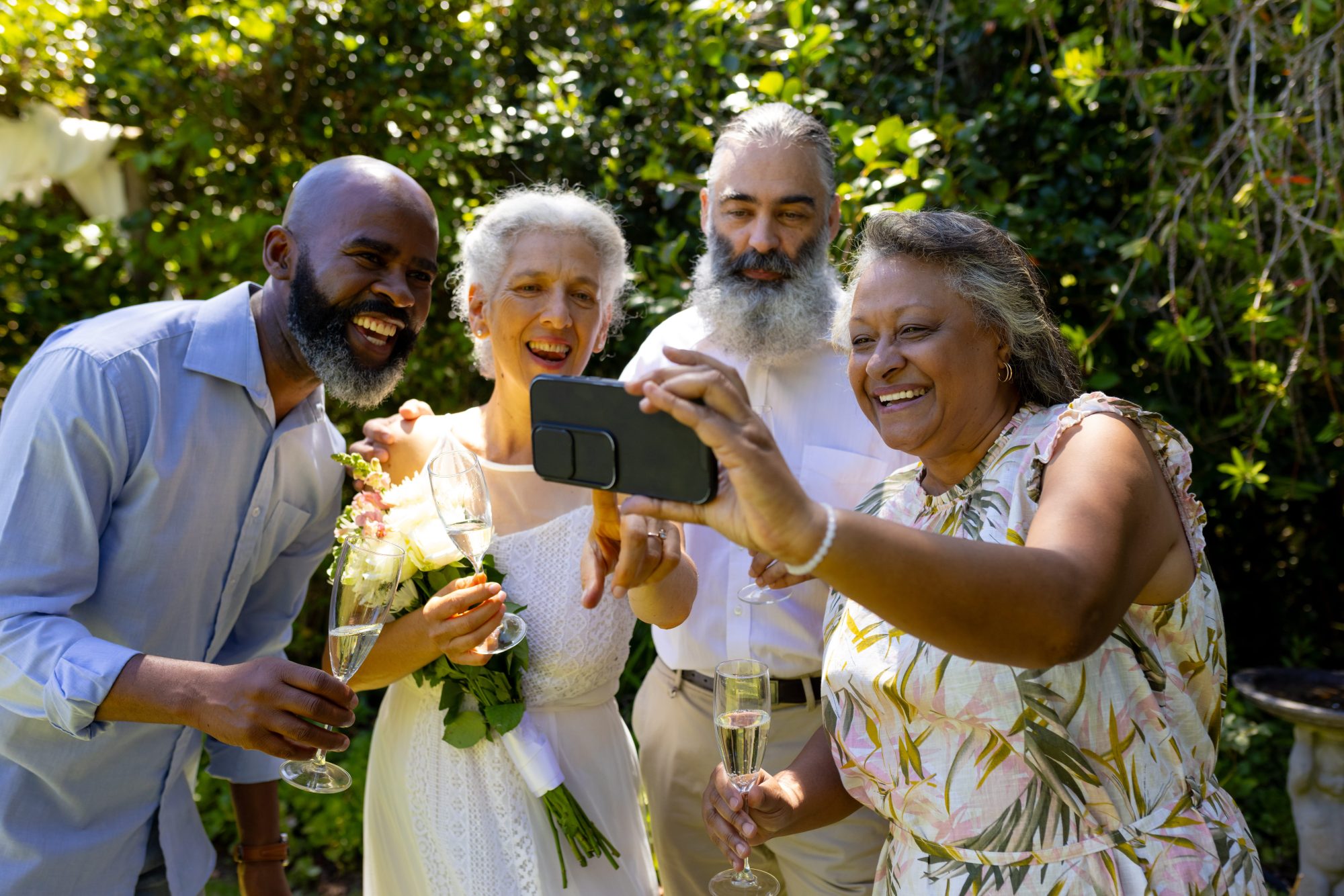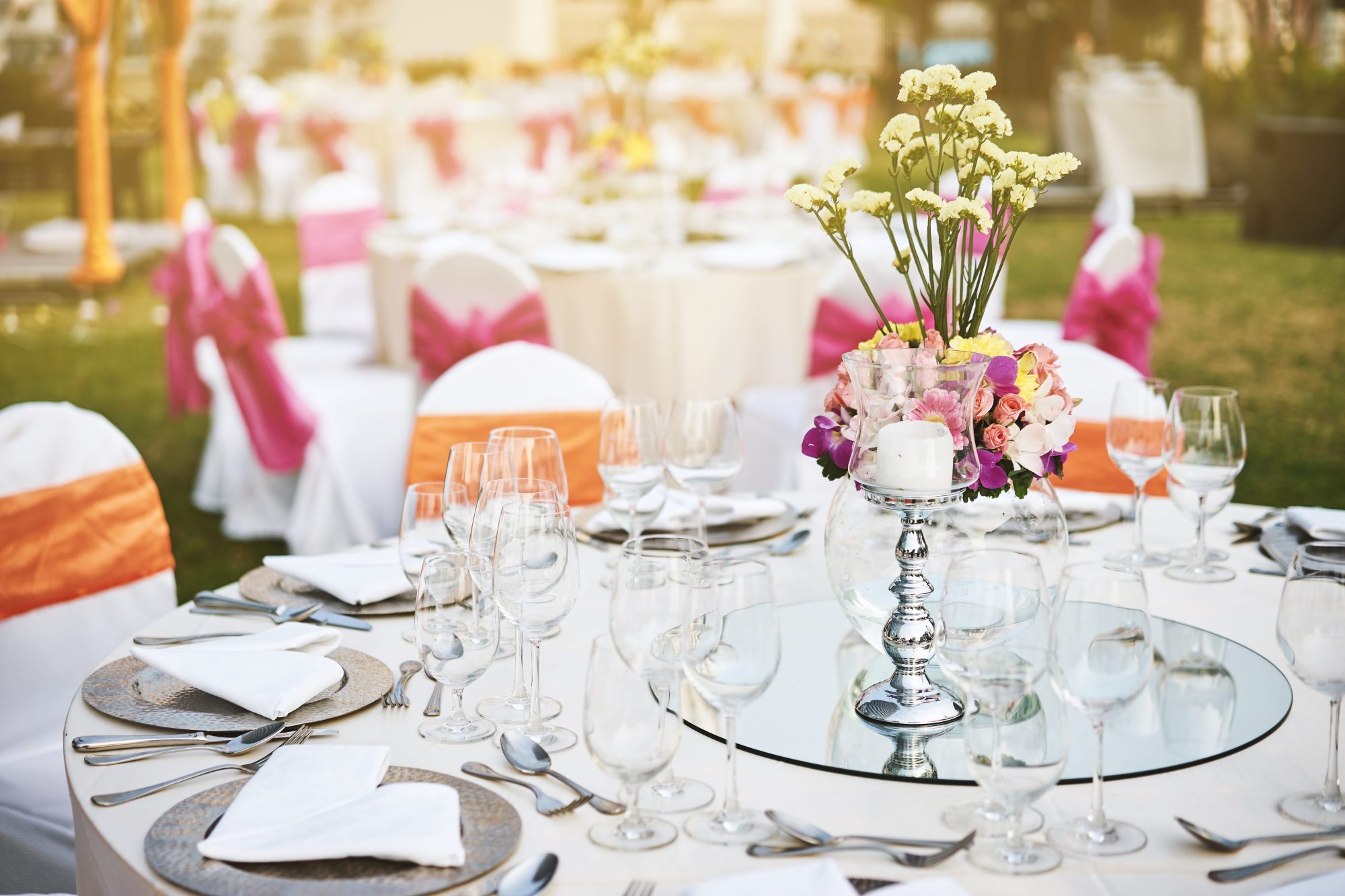
A destination wedding often creates far more guest photographs than the ceremony alone. Airports, hotel arrivals, welcome drinks, excursions, rehearsal meals and recovery gatherings may all form part of the celebration.
The challenge is giving guests one upload destination that remains easy to find across several days, countries and internet connections.
Create the gallery before guests travel
Set up the wedding gallery before final travel information is sent. This gives the couple time to test the upload page, print signage and save the direct link in messages or the wedding website.
Guests do not necessarily need to upload immediately. Sharing the link early allows them to bookmark it and understand that photographs from the wider trip are welcome.
Use one gallery for the complete celebration
Creating a separate folder or chat for every activity usually fragments the collection. One event gallery can include:
- airport and travel photographs;
- hotel arrivals;
- welcome meals;
- group excursions;
- getting-ready photographs;
- the ceremony and reception;
- the morning-after gathering;
- journeys home.
Guest names, messages and upload groups help the couple understand when and where each set of files was captured.
Consider roaming data
Photographs may upload reasonably quickly, but videos and large selections can consume significant mobile data. Guests may have limited roaming allowances or expensive international charges.
Make it clear that they can upload later. Nobody should feel pressured to use mobile data during the wedding trip.
A browser uploader with batching can divide a large selection into manageable groups. Completed groups remain saved if a later upload needs retrying.
Check hotel and venue Wi-Fi
Ask the hotel or venue whether guests can access Wi-Fi and whether the connection reaches ceremony, reception and accommodation areas.
Venue Wi-Fi may:
- require a password or room number;
- limit file sizes or speeds;
- become slower when many guests connect;
- work well indoors but not in gardens or beach areas;
- require repeated sign-in after moving around the resort.
Test the actual upload page at the destination where possible rather than relying on general statements that Wi-Fi is available.
Repeat the QR code throughout the trip
A code shown once during the ceremony may miss guests who arrive at different times or who forget the original message.
Useful locations include:
- the welcome information pack;
- hotel welcome drinks;
- the wedding website;
- transport itineraries;
- reception tables;
- the guest book;
- the morning-after breakfast.
Read our wedding photo QR code ideas for practical display suggestions.
Provide the direct link as well
A printed QR code is useful at the destination, but the direct link is easier to reopen later from a message, email or wedding website.
Send the link on its own line so guests can tap or copy it easily. Do not require them to search through a long chat for an old photograph of the QR sign.
Use clear multilingual instructions where needed
Destination weddings may bring together guests who speak different languages. Keep printed instructions short and consider providing a second language if a significant part of the guest list would benefit.
The essential message is:
- scan or open the link;
- choose photographs or short videos;
- add an optional name and message;
- upload when connected to reliable internet.
Time zones and scheduled reminders
Plan reminder messages around the guests’ local time rather than the couple’s home time. A morning-after reminder should not arrive while travellers are asleep or moving between hotels and airports.
If the gallery remains open after everybody returns home, mention the closing date clearly and give enough time for delayed video uploads.
Protect the private link
A destination wedding can attract public attention in hotels and resorts. Avoid leaving the QR code in public areas after the private celebration has finished.
Guest upload access should remain separate from the couple dashboard. See how a private wedding gallery works.
Download after everybody returns
Do not request the final archive before guests have had a reasonable chance to upload from home. Send one clear reminder, allow the stated upload period and then prepare the complete download.
Follow the complete gallery download guide and create permanent backup copies.
Destination wedding upload timeline
| Stage | Recommended action |
|---|---|
| Before travel | Create and test the gallery, share the direct link |
| Arrival | Display the QR code with welcome information |
| Wedding day | Repeat the code on tables and reception signs |
| After the wedding | Send one reminder and allow home Wi-Fi uploads |
| Before expiry | Download, verify and back up the complete collection |
Frequently asked questions
Common questions about sharing photographs during a destination wedding.
Should guests upload destination wedding videos using roaming data?
Not unless they are comfortable with their allowance and costs. Large videos can wait until hotel Wi-Fi or a reliable home connection is available.
Can one gallery cover several days of wedding events?
Yes. Using one event gallery keeps welcome meals, excursions, the wedding day and morning-after memories in the same collection.
When should we send the post-wedding upload reminder?
Send it after guests have had time to travel or connect to reliable internet. Consider the local time zone and avoid repeated reminders.
Should we include the direct upload link as well as the QR code?
Yes. The direct link is easier for guests to reopen after leaving the venue or returning home.
Collect the full destination wedding story
WedSnap gives guests one app-free upload destination across the entire trip. The couple can collect names, messages, photographs and short videos before preparing one final secure download.
Review the WedSnap features, see how the process works or create a destination wedding gallery for £29.99.