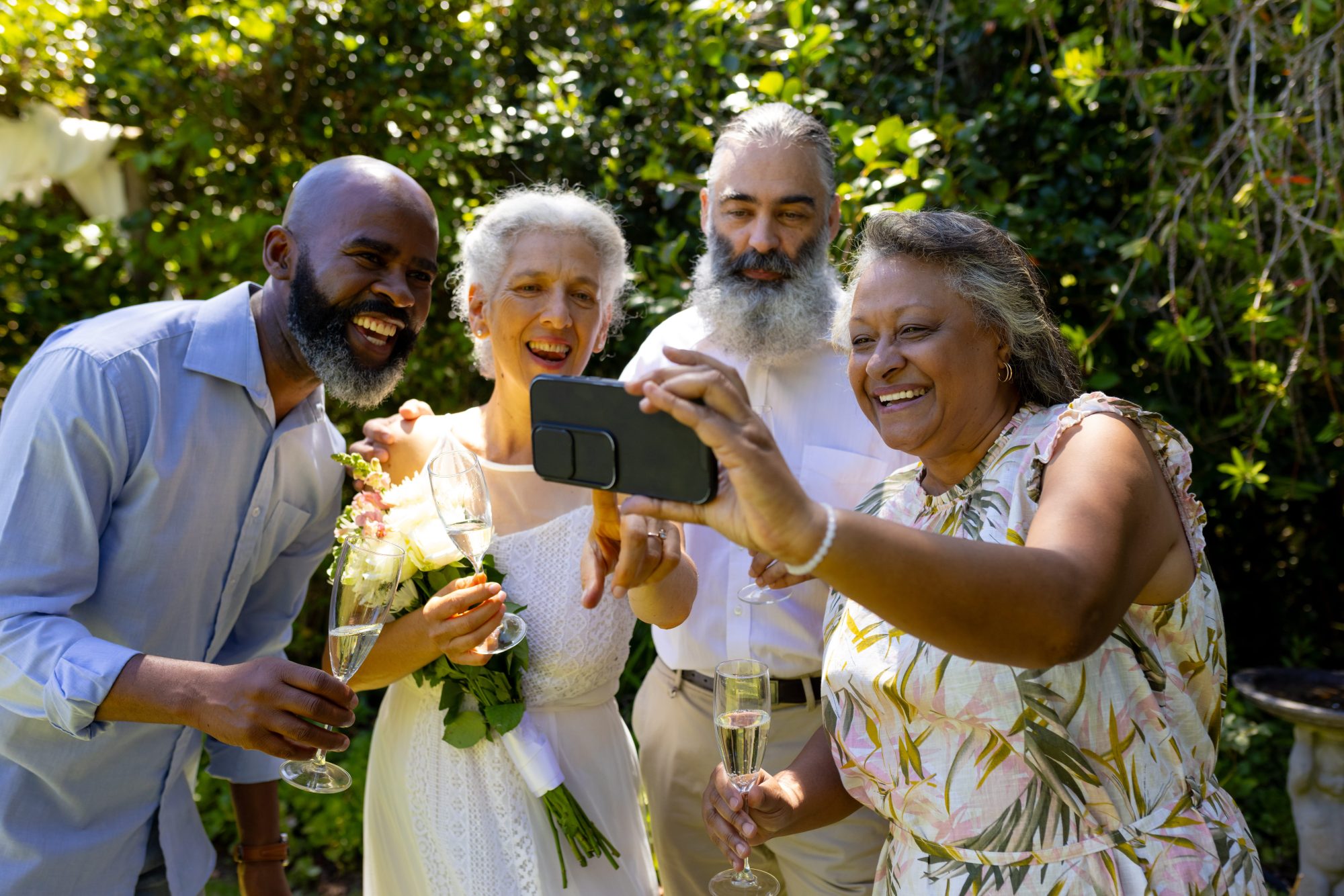

Wedding guest updates often begin with good intentions and end inside a noisy WhatsApp group containing questions, jokes, missing replies and phone numbers shared between people who have never met.
A group chat can work for a small, close group. It is not always the clearest or most private way to communicate with an entire wedding guest list.
Why couples use WhatsApp groups
WhatsApp is familiar, quick and free. Most guests already understand how it works, and a group can be useful for:
- a small wedding party;
- a destination-wedding travel group;
- close family coordinating accommodation;
- the bridesmaids or groomsmen;
- emergency changes affecting a limited group.
The problem appears when the group grows from a practical conversation into the main communication system for the whole wedding.
Problems with one large wedding group chat
Guest phone numbers become visible
People who do not know one another may not expect their personal number to be shared with the complete guest list.
Important information disappears beneath conversation
A venue change or transport time can quickly move above dozens of replies, photographs and reactions.
Guests can leave, mute or overlook the group
Being added does not mean somebody will see the important message at the right time.
Not every guest uses the same platform
Some older guests, overseas relatives or people using work phones may not use WhatsApp at all.
Replies can become difficult to manage
The couple may receive the same question repeatedly while other guests assume somebody else has answered.
Our detailed WhatsApp versus wedding gallery comparison looks at the photo-sharing side of the problem.
Start with a clean guest list
Before sending updates, create one reliable guest list containing the correct names and contact details.
Keep household and individual requirements clear. A couple may share one address while needing separate information because one person is attending all day and another is an evening guest.
A guest list also helps avoid:
- sending information to people who declined;
- forgetting evening guests;
- duplicating messages to the same household;
- using an old or misspelled email address;
- sending private supplier information to guests.
Use different channels for different jobs
No single channel must handle every wedding message.
| Type of communication | Suitable channel |
|---|---|
| Formal invitation and RSVP | Invitation, wedding website or RSVP platform |
| General guest information | Email or Guest Hub |
| Small wedding-party coordination | Private group chat |
| Wedding-day timings | Guest itinerary inside the Guest Hub |
| Urgent last-minute change | Direct email, text or telephone contact |
| Morning-after photograph request | Scheduled message containing the Guest Hub link |
Which wedding updates should be scheduled?
Useful scheduled messages may include:
- a welcome to the Guest Hub;
- a reminder of the guest arrival time;
- transport or parking guidance;
- the evening guest arrival time;
- a reminder to check the itinerary;
- a morning-after request for photographs and videos;
- a guestbook reminder;
- a final upload deadline.
Do not send a message simply because the system allows it. Every communication should answer a real guest question or help them take a useful action.
How many messages are too many?
Most guests do not need a running commentary on the planning process.
A restrained sequence may be:
- a welcome when the guest information is ready;
- one practical reminder shortly before the wedding;
- an essential wedding-day update only when needed;
- a morning-after message;
- one final deadline reminder.
The exact number depends on the wedding, but repeated messages reduce attention rather than improving it.
Write messages that guests can act upon
A useful guest update should contain:
- a clear subject or opening line;
- the important fact near the beginning;
- the correct date and time;
- a direct link when action is required;
- contact details for genuine questions;
- no unnecessary planning detail.
For example:
We cannot wait to celebrate with you on Saturday. Guests are welcome from 1:15pm and the ceremony begins at 2:00pm. Parking and the full guest itinerary are available in our Guest Hub below.
Use the Guest Hub as the source of truth
Messages can become outdated. The Guest Hub should hold the current version of the information so guests can return to the same place later.
If a timing changes, update the itinerary first and then send a short message directing guests back to it.
Read what to include in a guest itinerary and how a Guest Hub works.
The morning-after message
The morning after the wedding is a natural time to thank guests and invite them to upload their photographs or sign the digital guestbook.
Keep the message warm and brief. Guests should be able to tap one link and understand what to do.
See our wedding photo sharing morning-after examples.
When direct contact is still necessary
Automated communication is not suitable for every situation.
Telephone or message a guest directly when:
- their dietary or accessibility arrangement changes;
- transport specifically booked for them is affected;
- the venue requires an urgent individual response;
- the change is sensitive or personal;
- you need confirmation that they received the information.
How Wed-Snap handles guest notifications
The Wed-Snap Couple Hub allows couples to prepare guests and schedule useful wedding information without building one enormous group chat.
Guests receive a route back to the same Guest Hub used for itinerary information, photograph and video uploads, the digital guestbook and the optional shared gallery.
Wed-Snap is not intended to replace emergency direct communication or a full RSVP platform. It is designed to organise the practical updates surrounding the guest experience.
Frequently asked questions
Common questions about wedding guest updates.
Is it rude to add wedding guests to a WhatsApp group?
It can be uncomfortable when guests did not expect their phone number to be shared. Ask permission or use a more private one-way communication method.
Should wedding updates be sent by email or text?
Email works well for normal information, while text or direct calls are better for urgent changes. The Guest Hub can hold the current details.
How early should the first guest update be sent?
Send it when the information is useful and reasonably settled. Avoid publishing a detailed itinerary so early that several corrections will follow.
Can scheduled messages replace speaking to guests?
No. They reduce repetitive general messages, but personal, sensitive and urgent matters should still be handled directly.
Send fewer messages with clearer purpose
Good guest communication is not about sending more. It is about making the right information easy to find at the moment it matters.
Explore Wed-Snap guest communications, see the Couple Hub workflow or create your wedding for £29.99.